








DR-NetTools

DR-NetTools

DR-ONLINE
May 30, 2026
  • 19.0 MB

    File Size

  • 0/62
    Security
  • Everyone

  • Android 8.0+

    Android OS

About DR-NetTools

DR-NetTools is an app providing popular network functions to your phone.

Your complete network toolkit in one app. Diagnose issues in seconds, scan your environment, and take control of your connectivity like a pro.

Whether you are a network engineer, IT administrator, student, or power user at home, DR-NetTools helps you understand, monitor, and troubleshoot your network with clear, real‑time information.

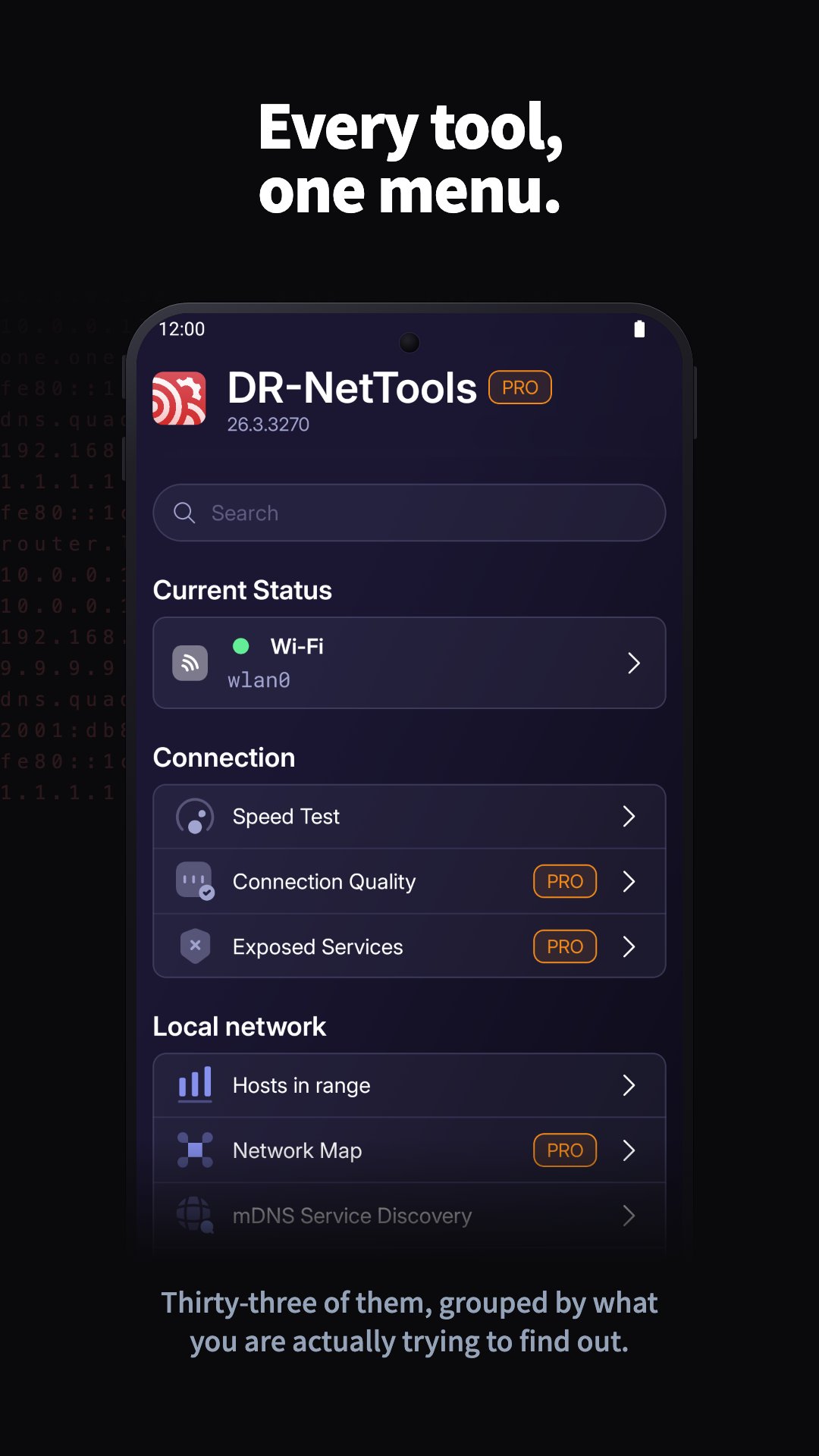
Start from the Current Status screen to get a quick overview of your device's connectivity. See active interfaces, IP addresses, DNS and DHCP configuration, default gateways, and your public IP – all in a single, readable dashboard so you always know how your device is connected.

Use the Wi‑Fi Scan tool to discover nearby wireless networks, check signal strength and basic details, and decide which access point will give you the most stable connection. Switch to Wi‑Fi Channels to see how networks are distributed across channels and quickly spot interference or overcrowded bands, helping you optimize your own router settings.

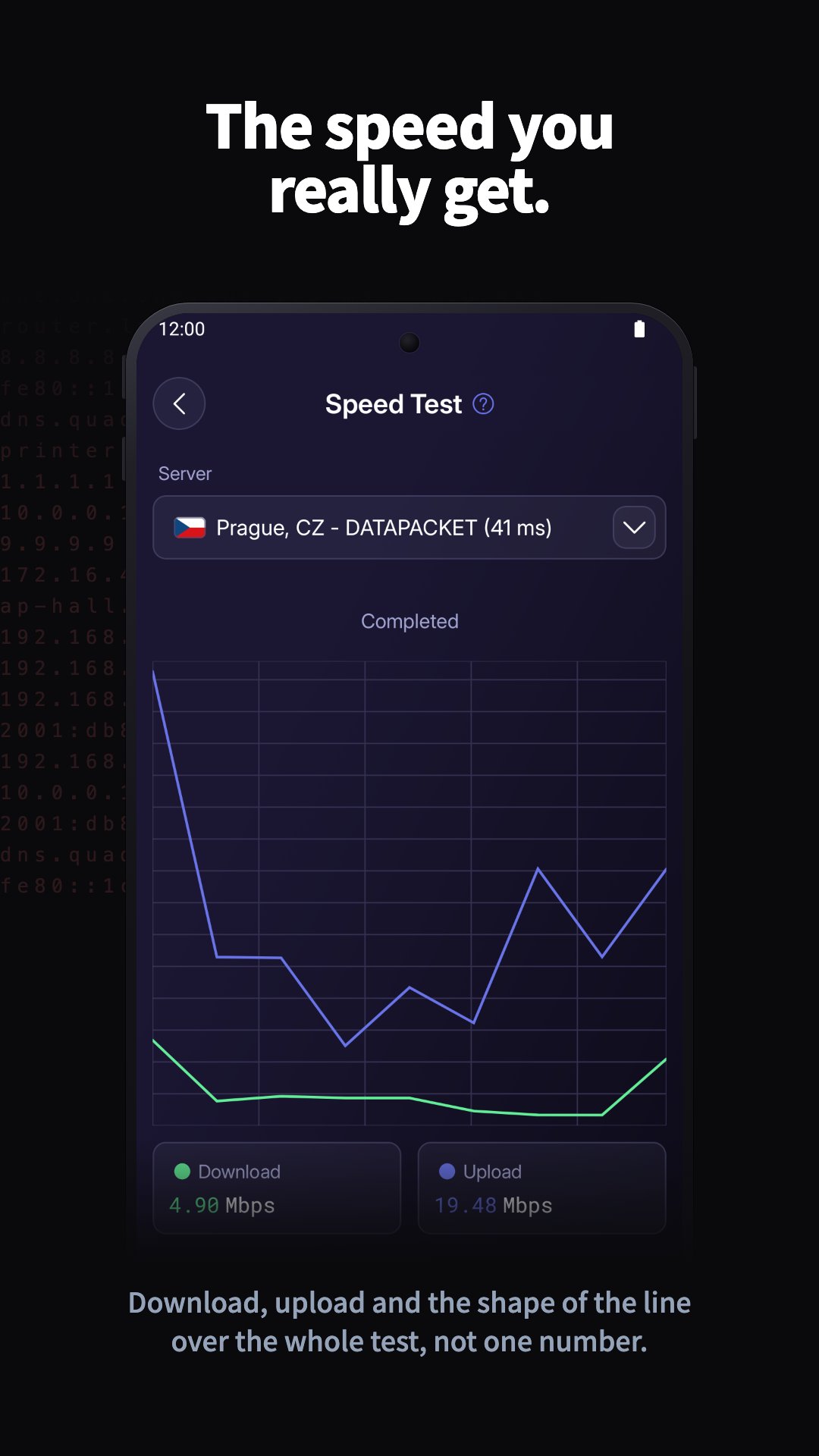
When something goes wrong, powerful diagnostics are just one tap away. Ping lets you check basic connectivity and latency to any host. Traceroute shows every hop on the way to your destination, revealing where delays or outages occur. MTR (My Traceroute) combines ping and traceroute into a continuous test, giving you a live view of latency and packet loss over time.

Use Hosts in range and Network Map to scan your local network, list active devices, and visualize your topology so you can see exactly what is online and how it is connected. The TCP Ports scanner helps you discover open ports and running services, useful for both troubleshooting and security checks.

DR-NetTools also includes a rich set of tools for working with addresses and domains. DNS lookup resolves hostnames to IP addresses, while Reverse DNS (rDNS) does the opposite – starting from an IP to find the associated hostname. Whois gives you detailed registration data for domains and IP ranges, and GeoIP estimates the geographical location of IP addresses, helping you understand where your traffic is going.

The mDNS / Bonjour discovery tool scans your local network for devices and services that advertise themselves, such as printers, smart TVs, or media servers, so you can find them without guessing IPs.

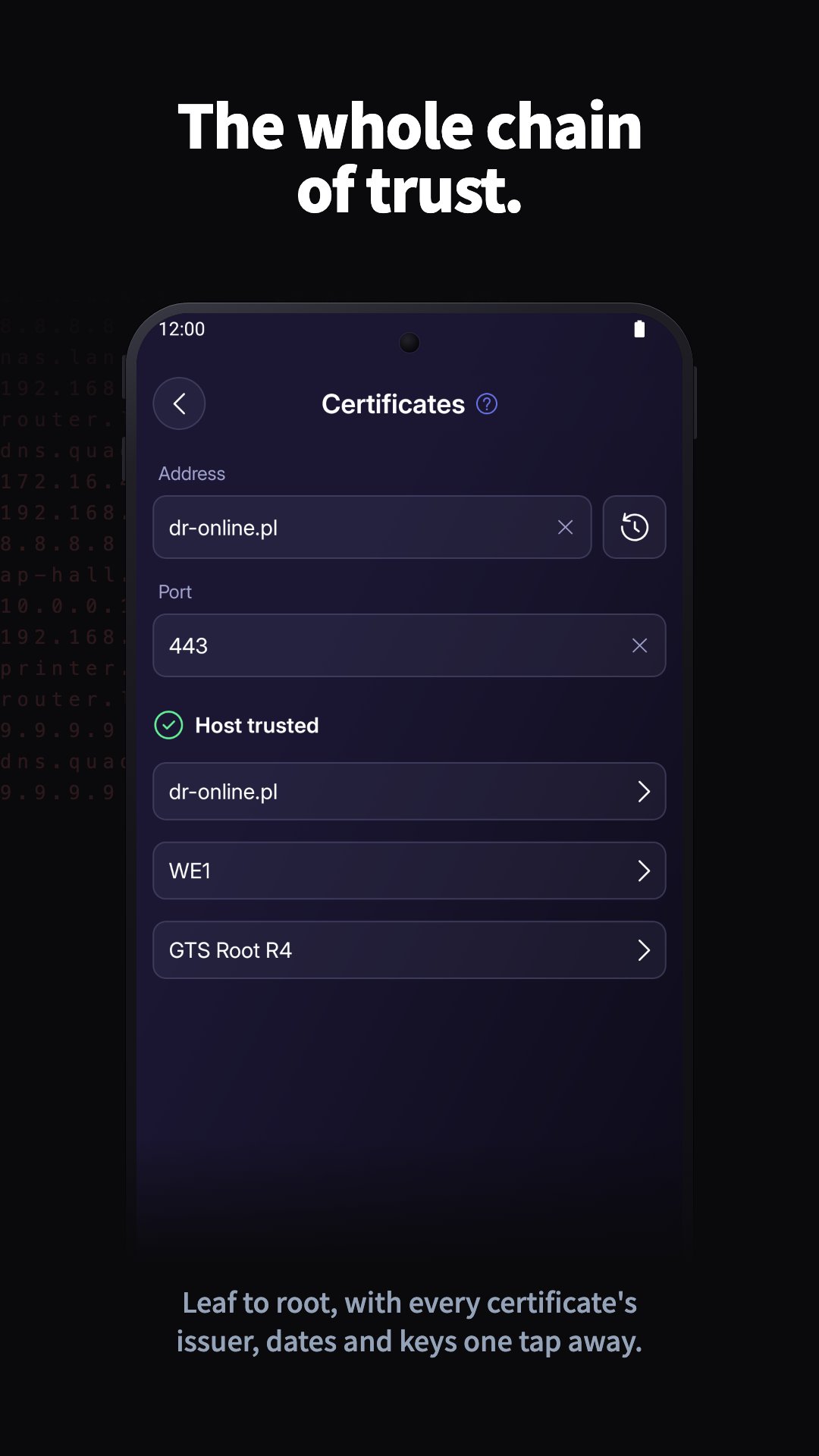
For security‑related checks, use the SSL certificate viewer to inspect certificates used by remote servers. Verify validity periods, issuers, and hostnames to confirm that HTTPS connections are correctly configured and trustworthy.

The built‑in SSH client lets you securely connect to remote machines, open terminals, and manage servers directly from your device over encrypted connections. With Wake‑on‑LAN, you can remotely power on compatible computers in your network by sending a magic packet to their network interface – perfect for remote maintenance and off‑hours access.

Network engineers and learners will appreciate the advanced calculators. The IPv4 calculator helps you work with addresses, subnet masks, network and broadcast addresses, and host ranges, making subnet planning much easier. The IPv6 calculator simplifies working with long IPv6 addresses, including compression/expansion and prefix calculations. The IPv6 subnet divider lets you split a larger IPv6 block into smaller, organized subnets, ideal for structured network design and growth.

With its clean interface, logical grouping of tools, and clear explanations for each function, DR-NetTools is suitable both as an everyday utility and as an educational companion when learning about networking.

Install DR-NetTools to have a complete network toolbox always at hand – from basic checks to advanced analysis, all in one app.

Show More

What's new in the latest 26.2.2767

Last updated on 2026-05-30
What's new:
• New Host Monitor: keep track of your hosts in the background and get notified when one goes down or comes back.
• Performance and stability improvements, plus various fixes.
Show More

Videos and Screenshots

  • DR-NetTools poster
  • DR-NetTools screenshot 1
  • DR-NetTools screenshot 2
  • DR-NetTools screenshot 3
  • DR-NetTools screenshot 4
  • DR-NetTools screenshot 5
  • DR-NetTools screenshot 6
  • DR-NetTools screenshot 7

DR-NetTools APK Information

Latest Version
26.2.2767
Category
Tools
Android OS
Android 8.0+
File Size
19.0 MB
Developer
DR-ONLINE
Available on
Content Rating
Everyone
Security Report
0/62
Scan Result: Secure
No security vendors flagged this file as malicious
No Virus
No Spyware
No Malware
No Virus
No Spyware
No Malware
Scan Date:May 30, 2026
Package Name:pl.dronline.nettools
SHA-256:d3aa4e67f4ae12d9d76c460fce2a47b3f9f27d180b0bc51a5c2b2a2f8692814f
SHA-1:761cf6cbbe79abd5afef8d37c68d6de0610b5e4c
Show More

Old Versions of DR-NetTools

APKPure icon

Super Fast and Safe Downloading via APKPure App

One-click to install XAPK/APK files on Android!

Download APKPure
thank icon
We use cookies and other technologies on this website to enhance your user experience.
By clicking any link on this page you are giving your consent to our Privacy Policy and Cookies Policy.
Learn More about Policies