Scan Date:May 16, 2026
Show More

Ecast is a Smart STB assistant for casting local media to compatible TV boxes and set-top boxes.
Built by VVMedia, Ecast focuses on quick cast-to-box playback and a practical satellite dish angle tool. When you download Ecast, setup stays simple for everyday viewing. The highlights below show what users typically use day to day.
The app focuses on sending local videos, photos, and other media from your phone straight to a compatible TV or set-top box. In daily use, once both devices are on the same Wi‑Fi network, tapping the detected box usually starts playback without extra steps. If playback stalls or the app restarts unexpectedly, reconnecting and reselecting the media often helps. Some boxes require their casting service to be active, so checking the box’s status can save time. The Ecast app also encrypts data in transit, and the developer declares no data collected, which suits users who prefer minimal data sharing.
The built-in File/Video window is a simple way to browse local media and choose what to cast, instead of switching between multiple apps. It is useful for short clips, vacation photos, or a music folder you want to play on the living room TV. In real use, picking a single video and sending it to the box is faster than mirroring the whole screen. Some users report videos not appearing in the list, so refreshing the view, checking the file’s location, or selecting another folder can be practical workarounds. Ecast keeps the browsing experience straightforward and centered on local files.
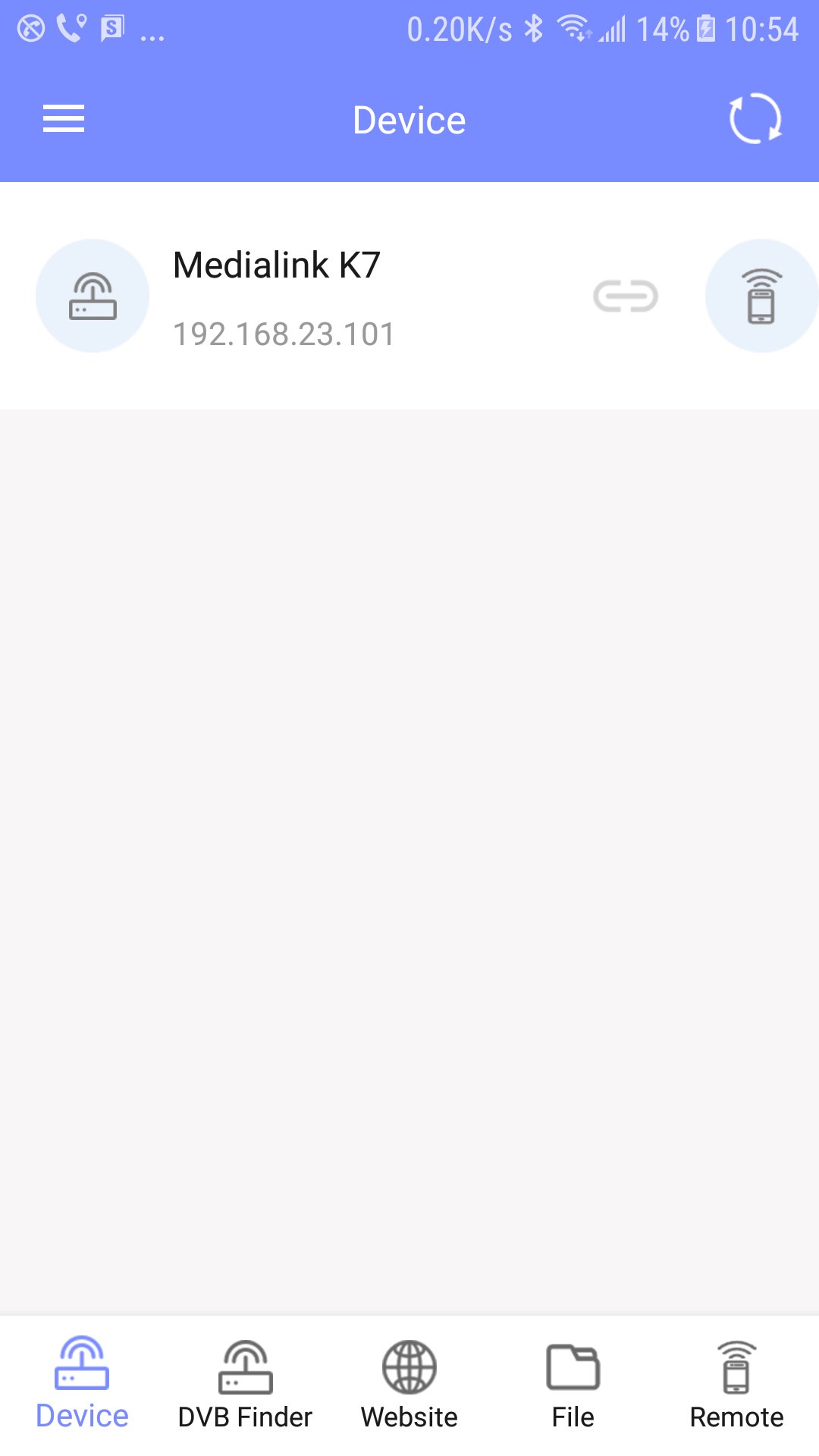
There is an on-screen remote section designed to help navigate menus on supported TV boxes. It can be handy if the physical remote is misplaced or when you want to control playback from the phone. Reliability depends on the box model and its network setup, and users occasionally report no devices found or unresponsive controls. When that happens, confirming both devices share the same Wi‑Fi, making sure the box is powered on, and checking compatibility are realistic steps before falling back to the physical remote. Ecast aims to cover common navigation needs without adding complex settings.
The satellite angle adjustment feature provides on-screen indicators to guide dish alignment during setup or after a move. It is most helpful when reception drops or channels pixelate, giving a visual reference while you fine-tune the angle. In practice, users often make small adjustments, check the picture quality, and repeat until the signal stabilizes. Reports of a 3‑second shutdown counter or occasional restarts suggest taking it slow and reopening the tool if the session ends unexpectedly. Ecast offers this utility alongside casting, which makes it a practical companion for both content playback and signal tuning.
You can get the Ecast APK from APKPure and install the Ecast latest version in a few moments, depending on your network speed. The download size may vary by version, so ensure sufficient storage before starting. During installation, your device may prompt for permission to install apps from outside the default source.
After setup, connect your phone and TV/set-top box to the same Wi‑Fi and open Ecast to scan for devices. First-time discovery can take a moment. If a box is not found, confirm it is compatible and powered on, then try again. Start with a short local video to test casting, and keep the physical remote nearby in case the on-screen controls do not respond.




One-click to install XAPK/APK files on Android!

Thanks for your rating and feedback!
You have already rated.