
Safe & Fast APK Downloads on APKPure
APKPure uses signature verification to ensure virus-free ExaGear: Windows Emulator APK downloads for you.

ExaGear: Windows Emulator is a Windows emulator for Android that runs Win32 apps on ARM devices.
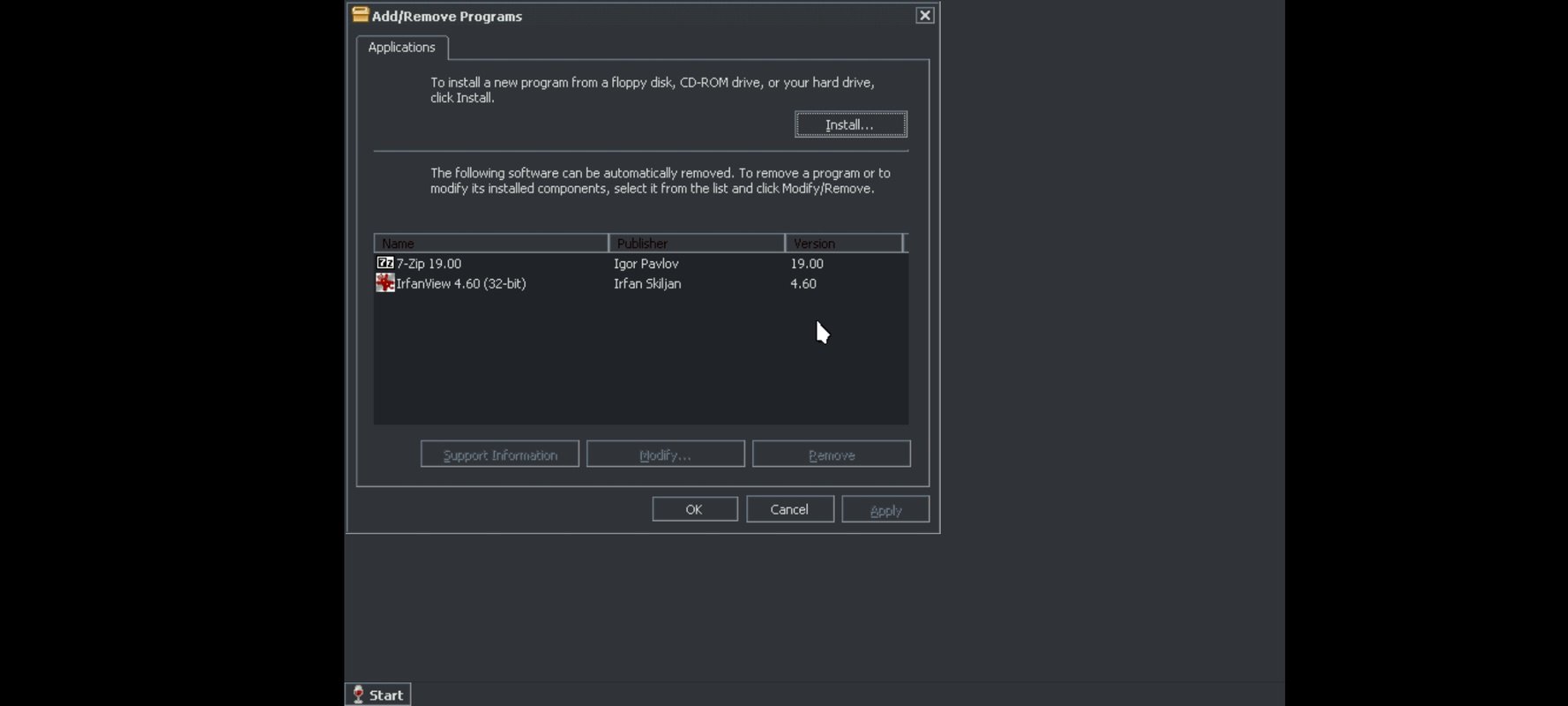
Developed by XHYN-PH, it uses a fast x86-to-ARM translation layer to run 32-bit Windows apps and classic games on Android. Expect smoother performance than full emulation, but 64-bit programs are not supported. You can launch installers and use included tools like 7-Zip and IrfanView, plus favorites such as Office, VLC, Winamp, AIMP, and classics like Half-Life or Age of Empires II. For portable access to old PC software, get the ExaGear: Windows Emulator APK, then explore the features below.
ExaGear: Windows Emulator latest version runs many 32-bit Win32 apps and classic games through efficient x86-to-ARM translation. Players often install favorites like Half-Life or Age of Empires II, then launch them directly on mobile. Performance varies by title, but older PC software usually behaves predictably.
Inside ExaGear: Windows Emulator, the control overlay makes desktop actions feel natural on touch. A quick tap acts as left-click, a brief press becomes right-click, and pinch-to-zoom helps navigate. Users who plug in a keyboard and mouse via USB or Bluetooth get near-desktop comfort.
To download ExaGear: Windows Emulator, visit APKPure and start the latest APK install. Because the package is large, the transfer may take a few minutes, depending on network speed and device storage. During installation, your device may prompt for install permissions.
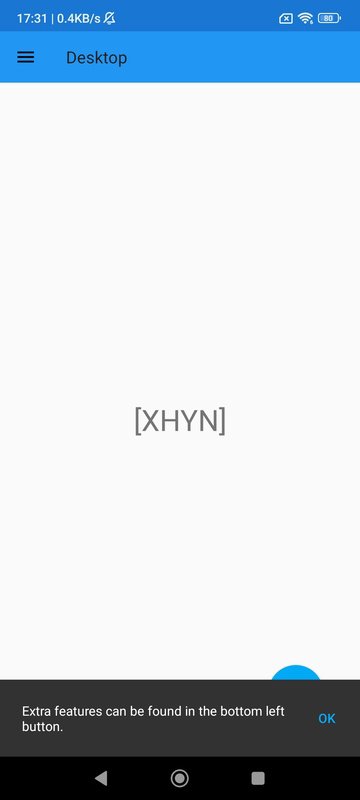
After the first launch, a brief control guide appears, showing tap and right-click gestures. For best results, remember only 32-bit programs are supported, and performance depends on each app or game. If peripherals are available, a keyboard and mouse can make setup feel familiar.





One-click to install XAPK/APK files on Android!

Thanks for your rating and feedback!
You have already rated.


