Package Name:cc.codeskool.gamepad
Show More

Turn your phone into a controller for robots, games and your own programs.
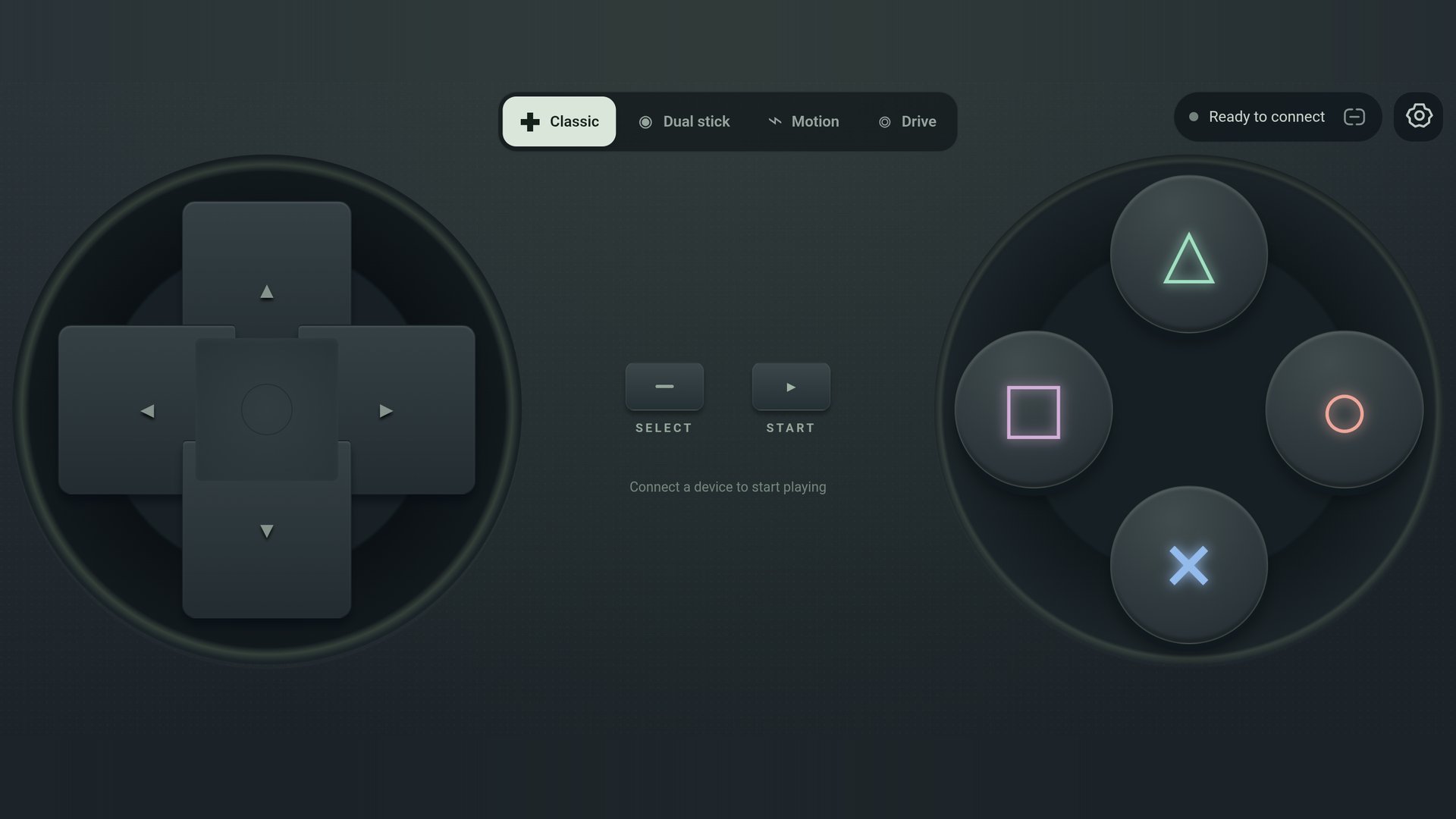
Gamepad turns your Android phone into a full-screen controller. Press buttons, move sticks, steer or tilt, and the app sends every action to a robot, a game, a Scratch project or a program you wrote.
FOUR LAYOUTS
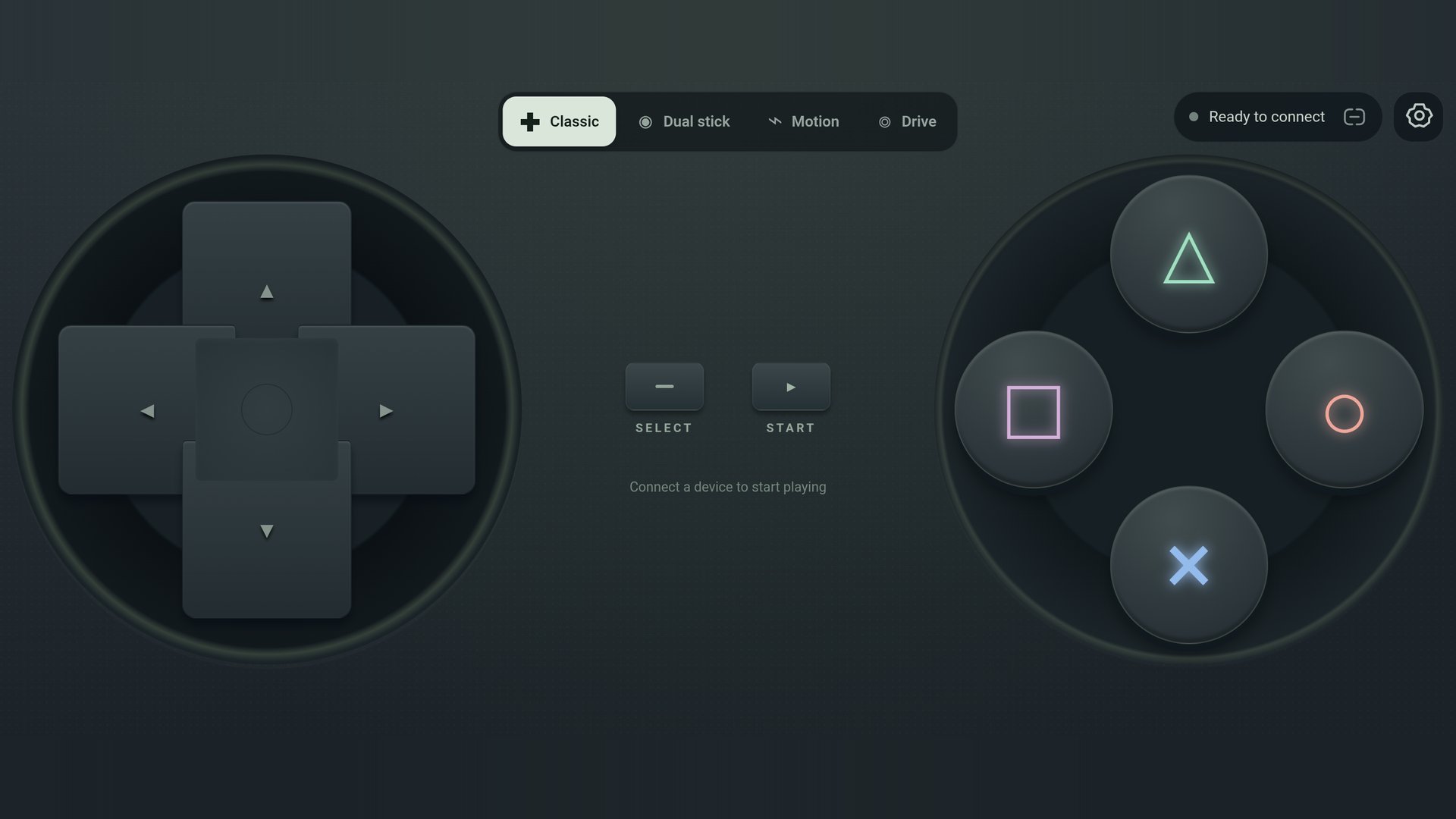
- Classic: a directional pad, four face buttons, Select and Start.
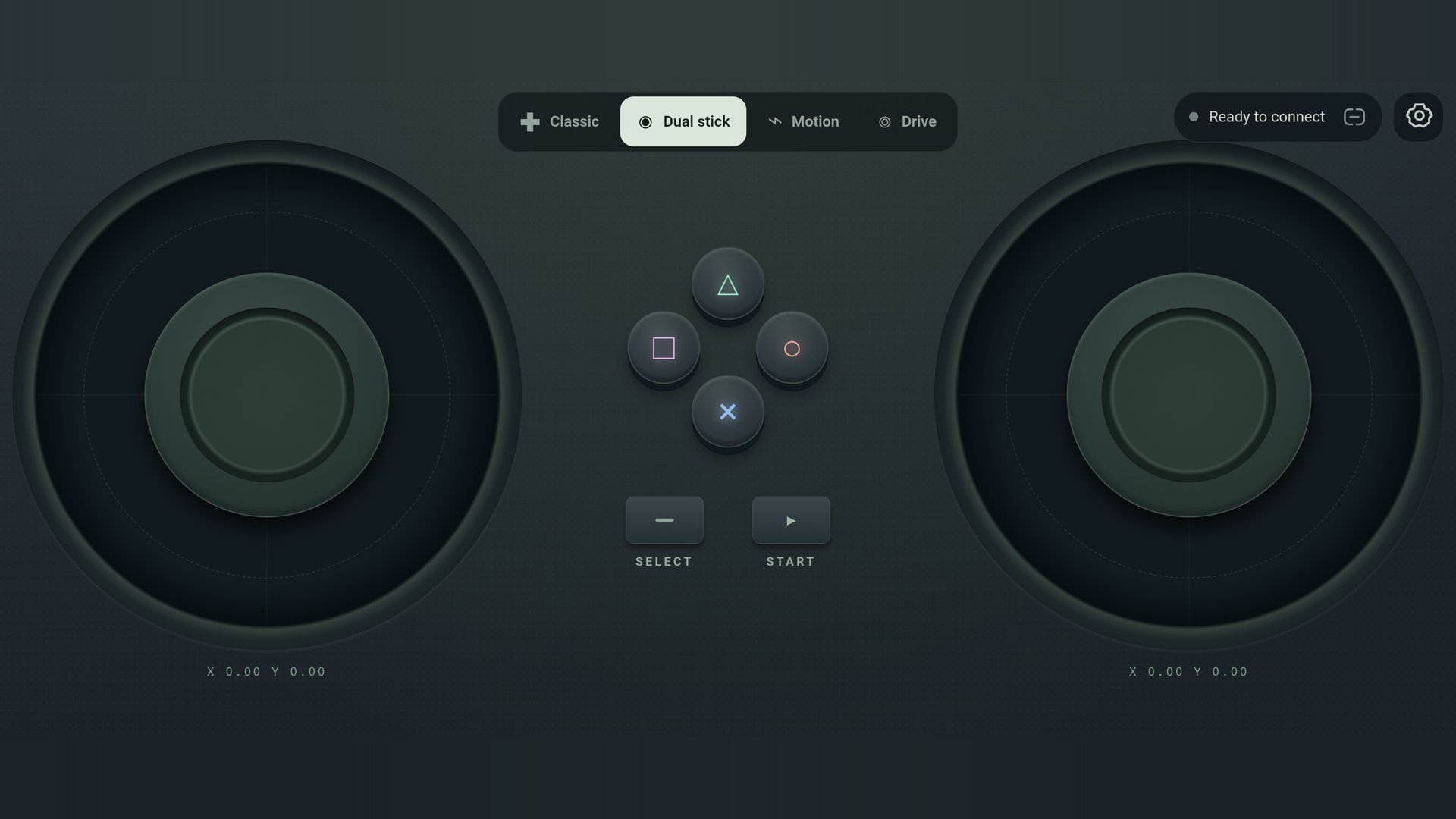
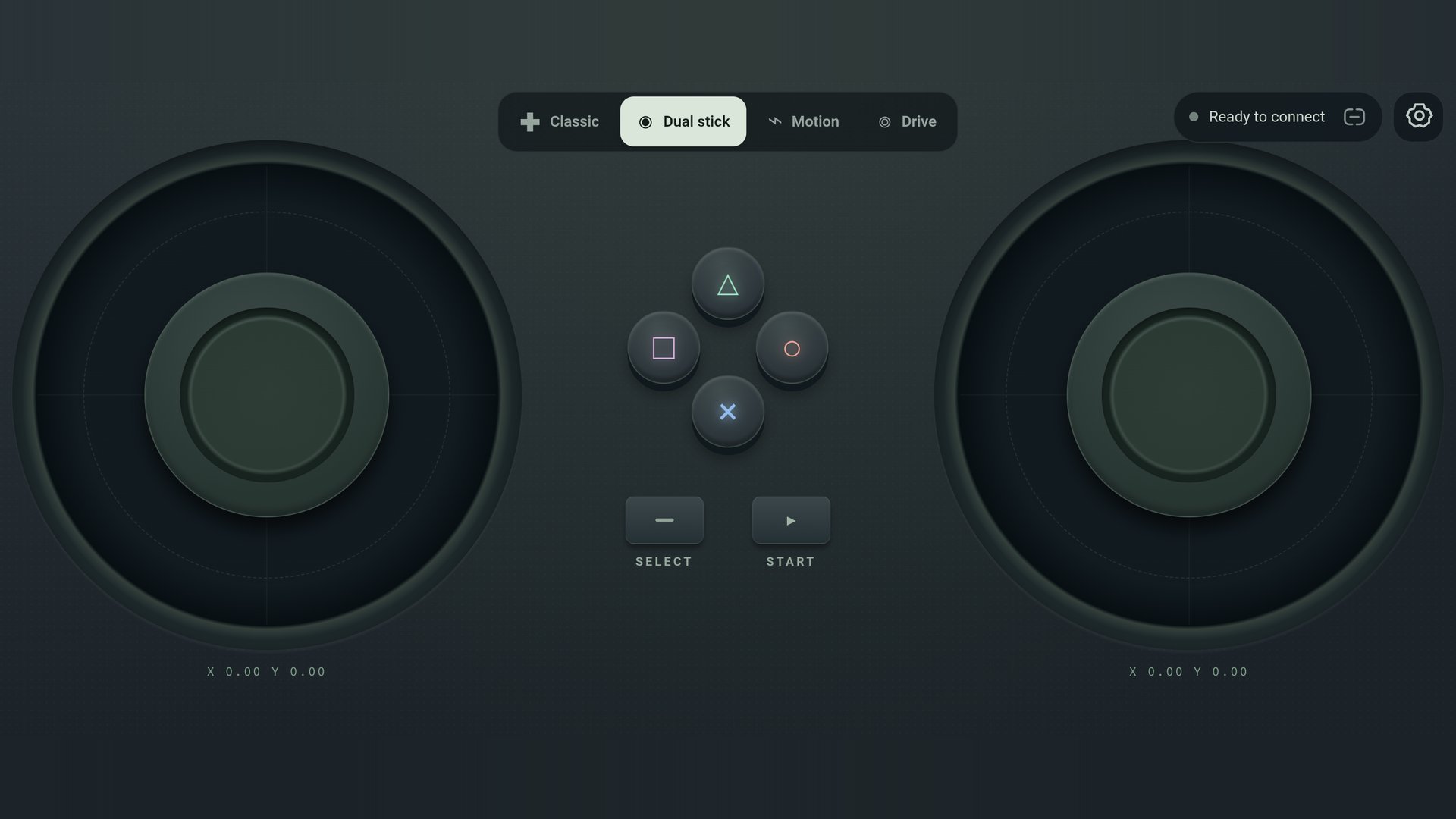
- Dual stick: two analog sticks plus face buttons.
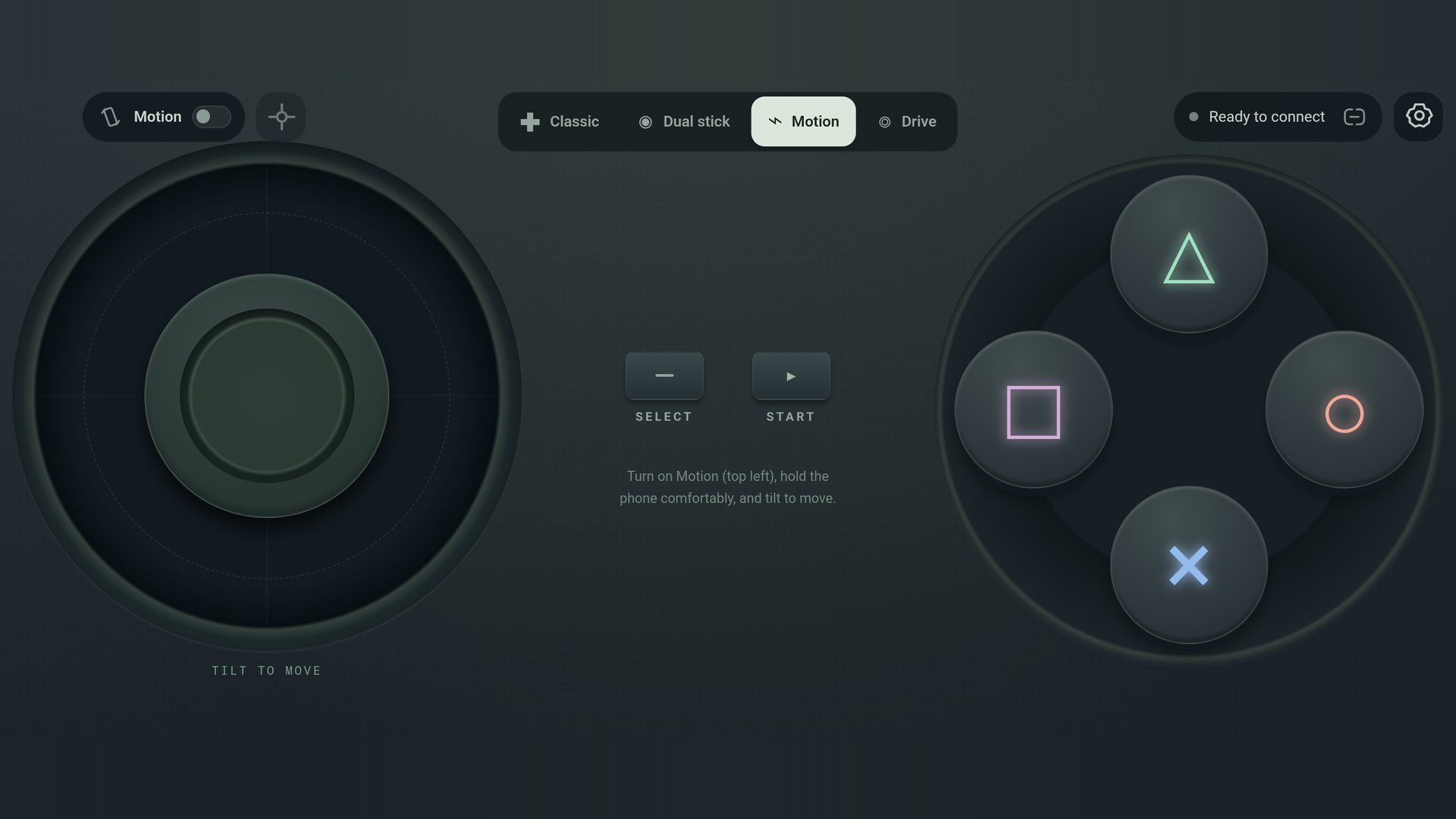
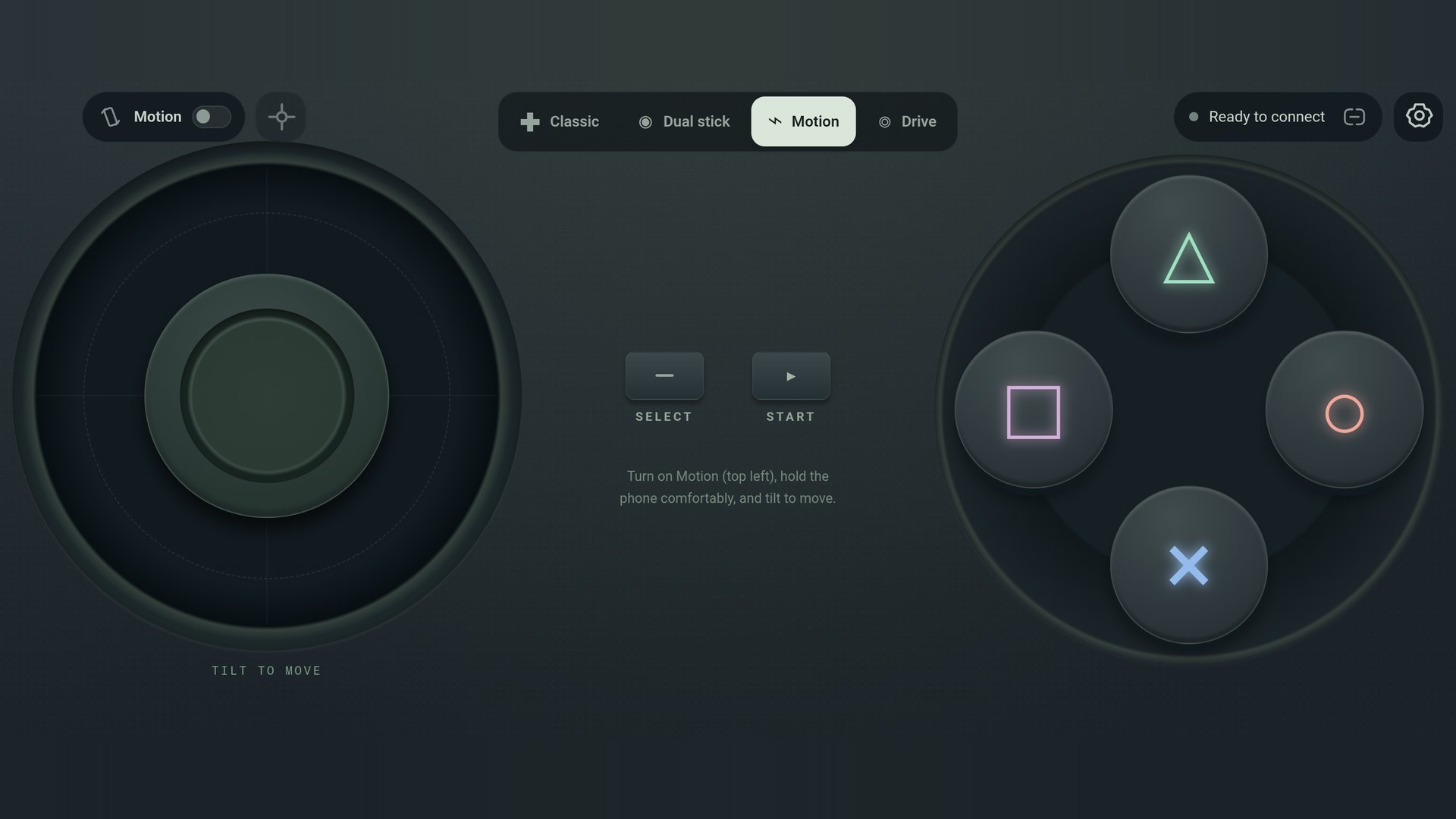
- Motion: tilt your phone to control the left stick, with a recenter button for when you change how you hold it.
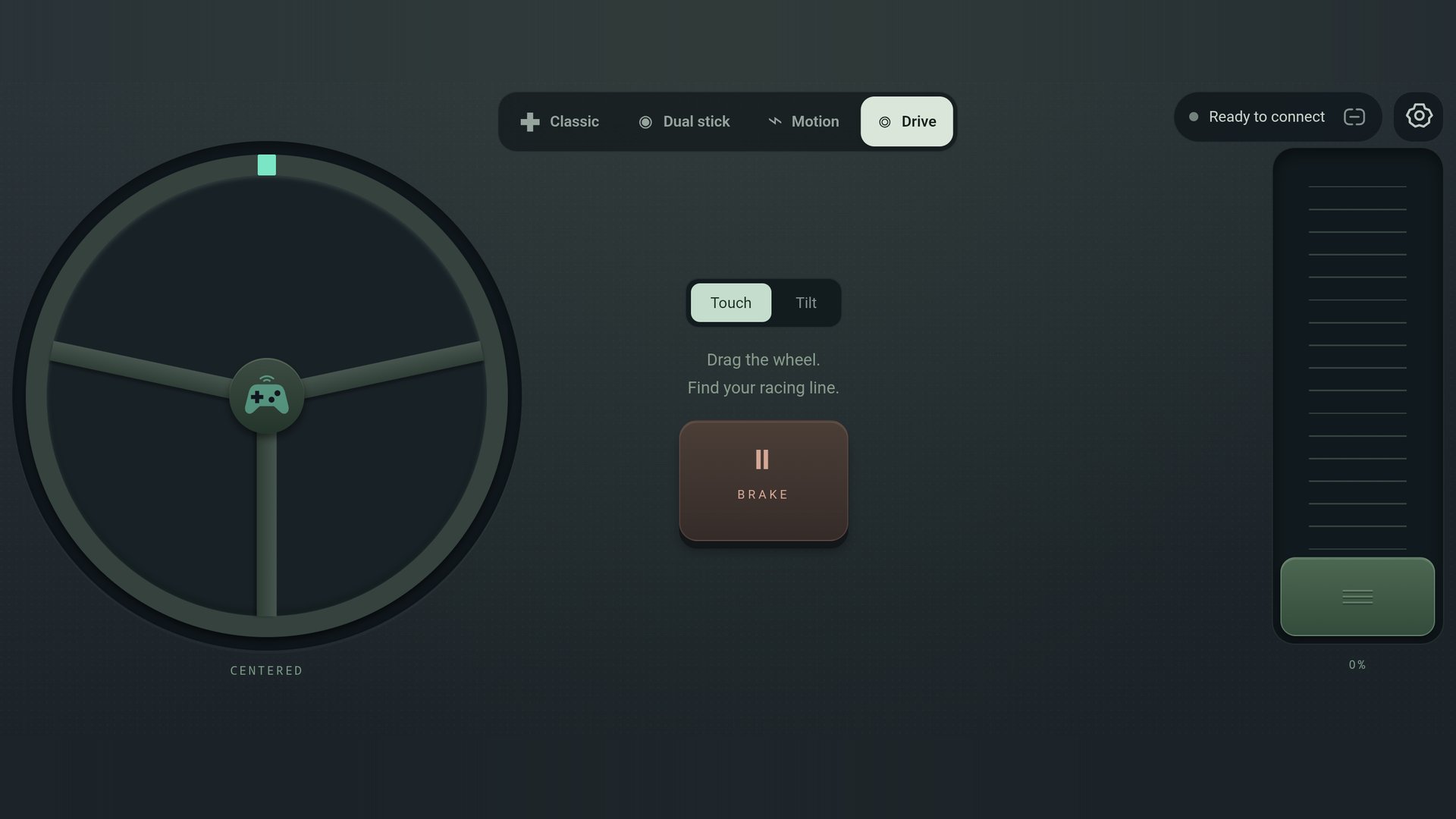
- Drive: a steering wheel (touch or tilt), a throttle that springs back, and a brake.
CONNECT YOUR WAY
- Wi-Fi: the phone runs a small WebSocket server and shows its address. Any program on the same network can connect and receive the controls as simple text messages.
- Bluetooth Low Energy: the phone can be found by your computer or board and send the controls, or it can find a CodeYaan robot and drive it. Choose Both to send to Wi-Fi and Bluetooth at once.
- Scratch: the GamePad BLE extension in the CodeSkool IDE reads this app over Bluetooth, so you can build a game or drive a robot without writing connection code.
DRIVE A CODEYAAN ROBOT
Pick the CodeYaan receiver, find your robot and drive it with the D-pad, the sticks, tilt or the steering wheel. The face buttons honk, change the lights and start a celebration. A speed limit setting lets you slow the robot down while you learn.
SETTINGS
Haptic feedback, a left-handed layout, a stick deadzone, a robot speed limit, and an optional camera background from an image stream address.
GOOD TO KNOW
- No account or sign-in is needed, and no internet connection is needed for the controls.
- This is not a standard Bluetooth gamepad: your computer will not treat it as a game controller. The program on the other end needs to understand the app's simple protocol. Guides with working JavaScript and Python examples are on the CodeSkool blog.
- The app needs a device or program to receive the controls. It works on Android 10 or newer, in landscape.

One-click to install XAPK/APK files on Android!

Thanks for your rating and feedback!
You have already rated.