Package Name:com.goldenkey.itracking
Show More

Vehicle tracking and driver's camera systems comply with QCVN 06:2024/BCA standards.
iTracking helps vehicle owners and transport businesses know the location, driving style, and driver of each vehicle, right on their iPhone and iPad. The application is included with the vehicle tracking device and camera from Digital Positioning, compliant with QCVN 06:2024BCA standards.
NEW FEATURES IN VERSION 6
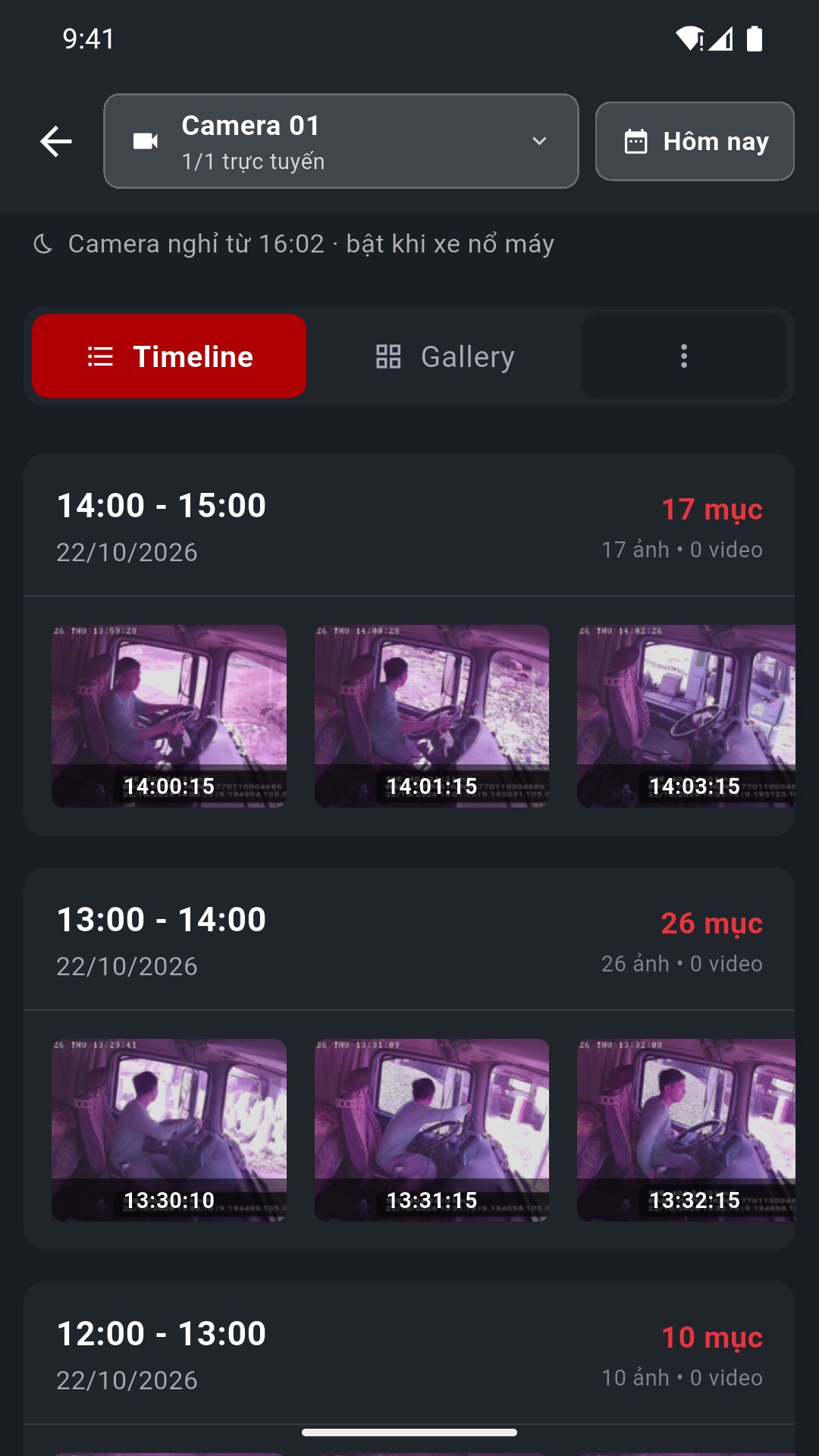
• Driver's camera: Live view while the vehicle is in motion, review photos and videos hourly, extract 60-second clips recording time, speed, and coordinates.
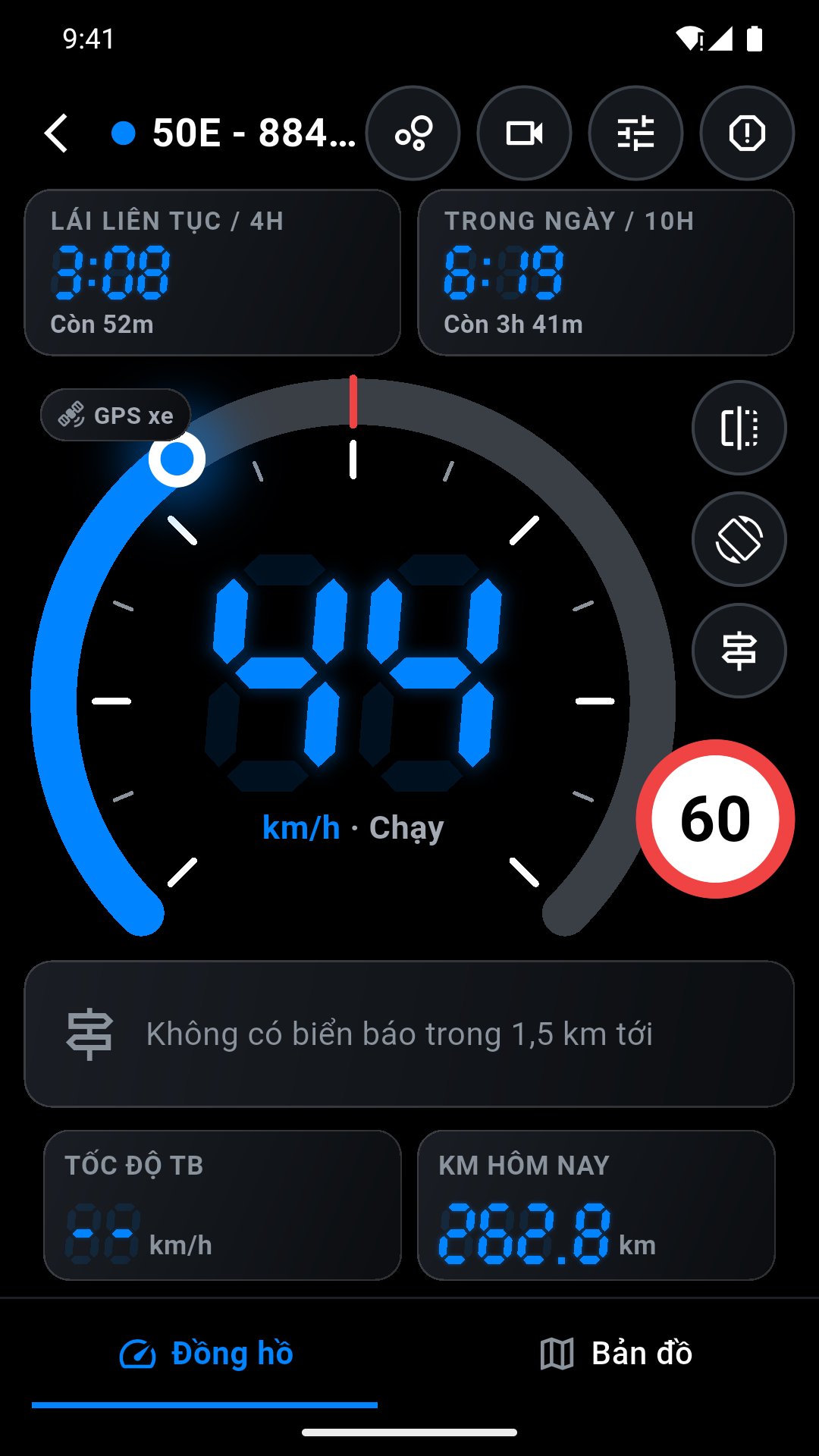
• Continuous driving time for each driver: Alerts when exceeding 4 hours of continuous driving or 10 hours in a day, matching the report.
• QCVN 06:2024/BCA report is located at the top of the report list.
• Driving mode: Large speedometer, speed limit based on road segment and vehicle type, road signs, traffic lights, and front speed camera, voice prompts. • Driver app: Log in with phone number, manage approval with a 4-digit PIN, then unlock with Face ID or Touch ID.
• New, faster interface, supports dark and light modes. REAL-TIME FLEET TRACKING
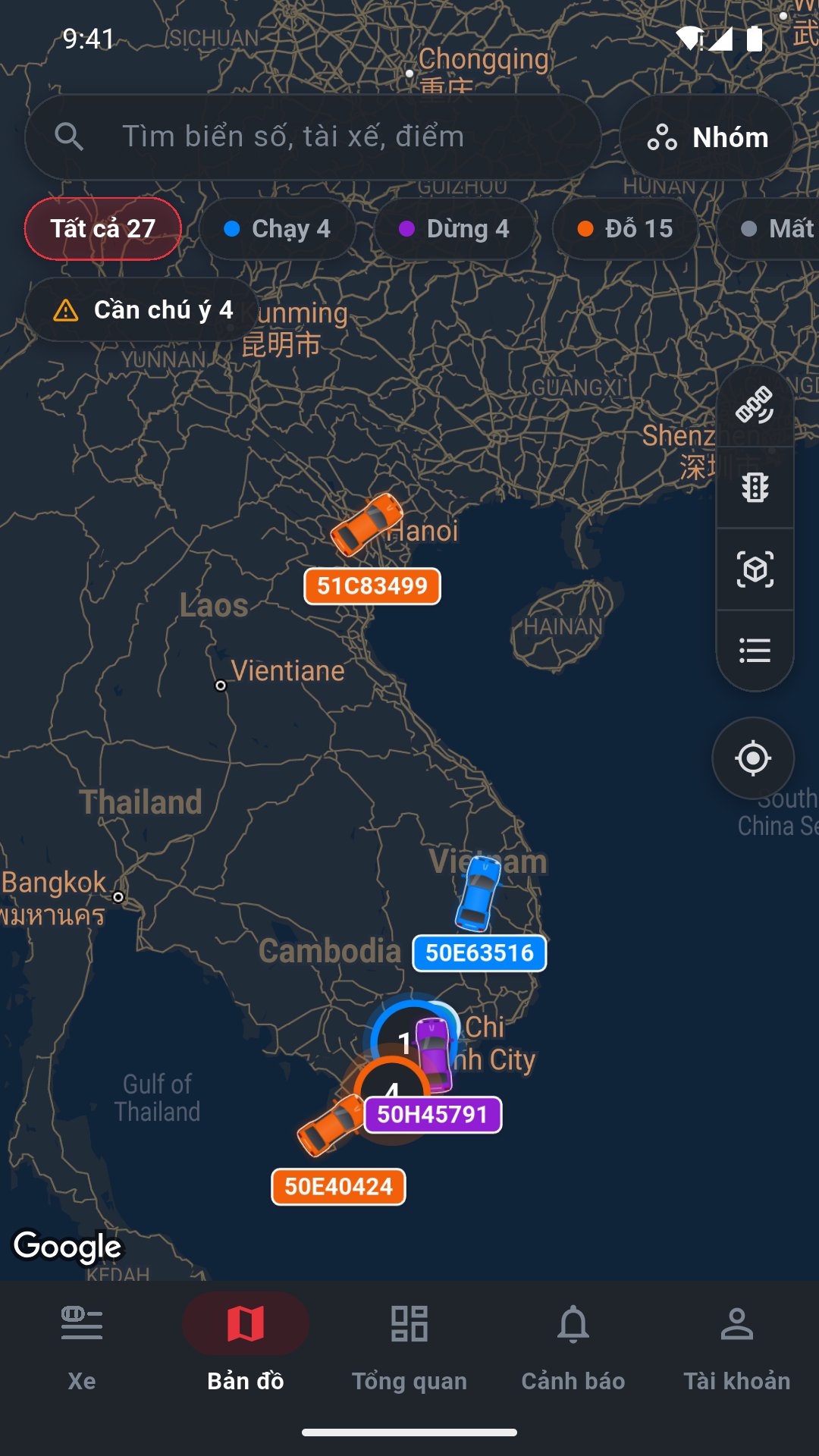
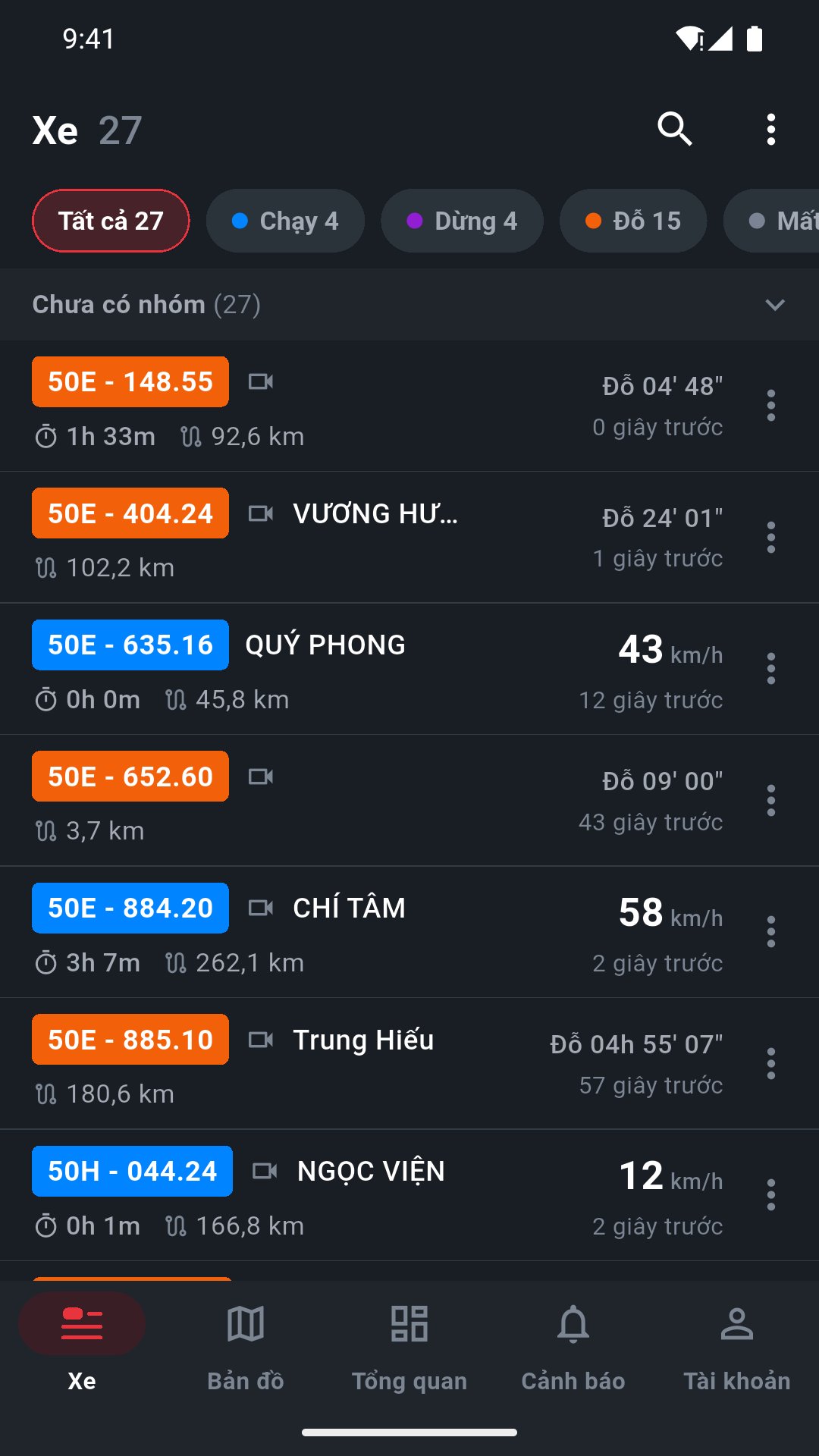
• Vehicle list counted by status: Running, Stopped, Parked, Signal Lost; tap to filter, pin frequently used vehicles.
• Full fleet map, group when zoomed out, search by license plate, driver, or location.
• Details for each vehicle: speed, address, driving time, kilometers per day, tank temperature, fuel level, equipment status.
ROUTE AND REPORTING
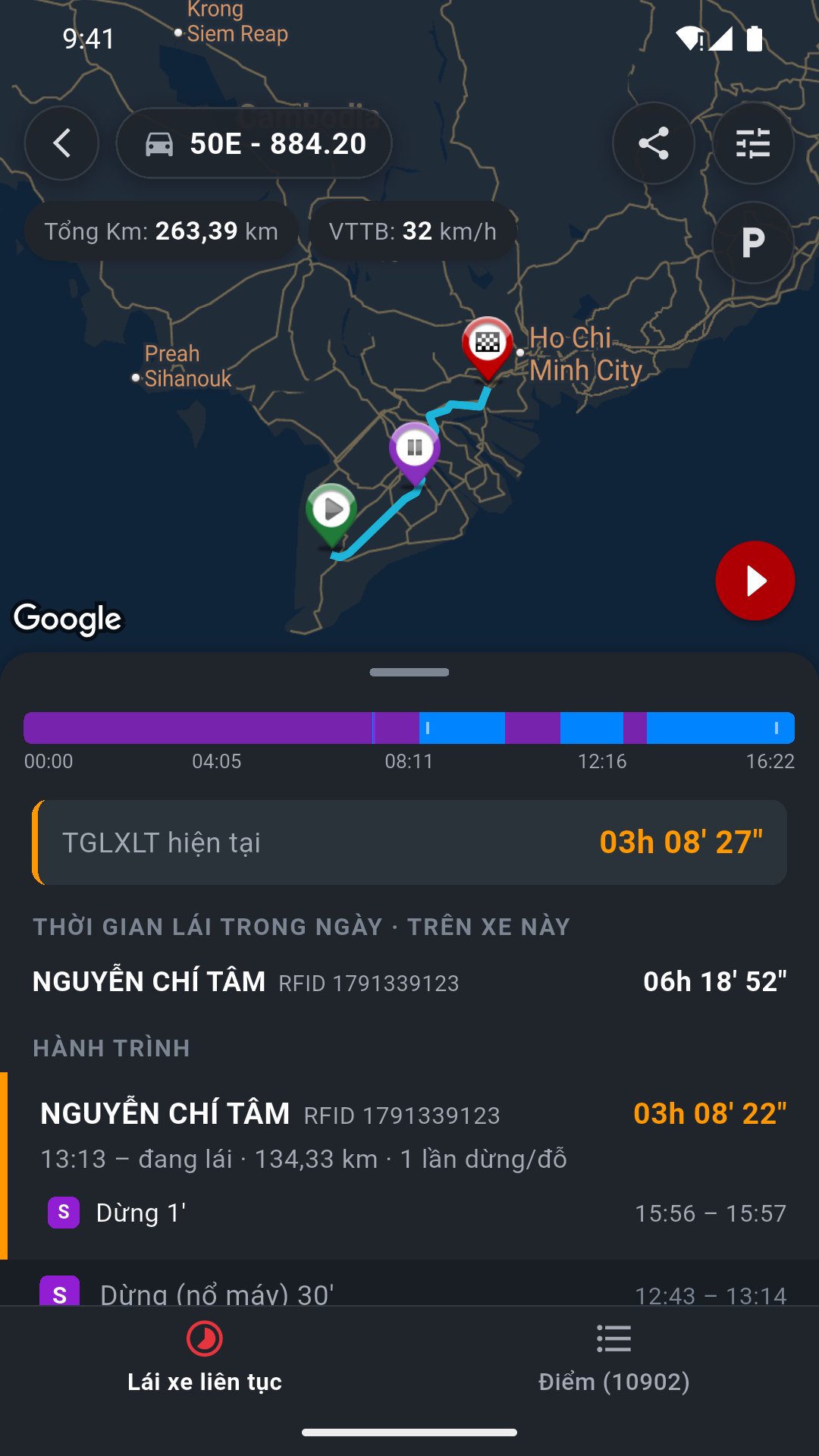
• Review routes by day or customizable time range, speed graph for rewinding, list of stops.
• Continuous driving sessions based on driver's card.
• Summary reports, speed violations, parking violations, route reports; Share photos or PDFs.
• Daily overview: total kilometers, vehicles requiring attention, kilometers per vehicle.
**TIMELY WARNINGS**
• Notifications when the vehicle exceeds the speed limit, the tank temperature goes beyond the threshold, or the device loses GPS or GSM signal.
• List of alerts by day, view location on the map, and confirm that the issue has been addressed.
• Set zones and routes for the vehicle directly on the iPad.
**FOR DRIVERS**
• Vehicles automatically appear in the app after swiping the driver's card.
• Driving mode with 4 voice prompts (male, female, Northern accent, Southern accent), speed limit warnings at different levels.
• HUD mode: flip the screen to read the speed on the windshield.
• View photos and videos from the vehicle's camera.
ON IPAD**
**Wide layout similar to the iTracking web version: map on the left, vehicle information panel on the right, route and reports displayed in full.**
SECURITY
Lock the app using Face ID or Touch ID. Driver accounts can only view the vehicle they are driving; they cannot download or share camera footage.
This app is for customers using iTracking GPS tracking devices. Contact Digital GPS Tracking to obtain an account.

One-click to install XAPK/APK files on Android!

Thanks for your rating and feedback!
You have already rated.