Package Name:com.mha.app
Show More

Manage chores, reminders, and household tasks with ease
My Home Assistant helps you organize everyday home tasks in one simple place. Create chores, choose the days you want to do them, set reminders, and stay on top of your household routine—without complicated setup.
WHY MY HOME ASSISTANT?
Keeping a home running takes constant small tasks: cleaning, groceries, laundry, trash, and more. My Home Assistant turns those tasks into a clear daily plan so you always know what needs doing today.
KEY FEATURES
• Daily Chores
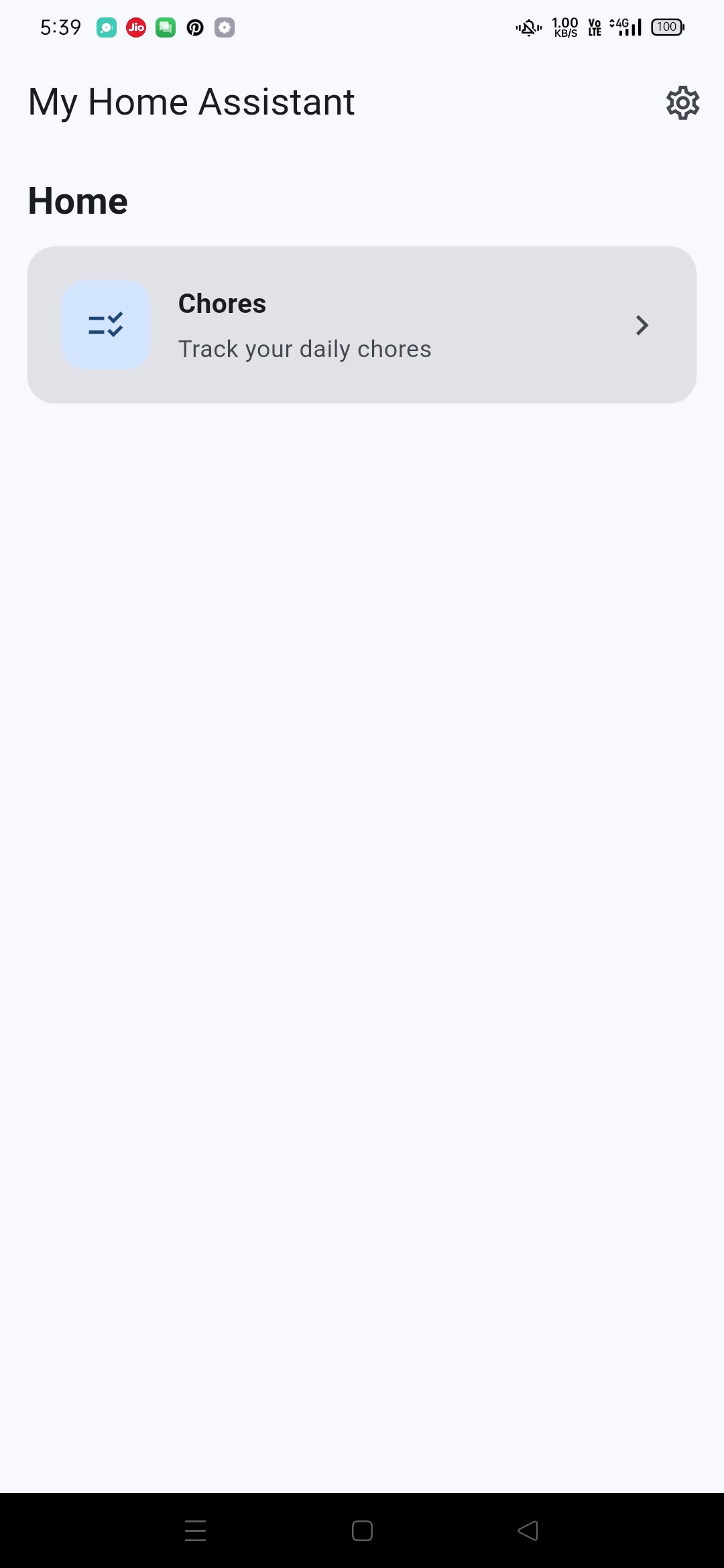
Add the tasks that keep your home running. Mark them complete as you go and track what’s still left for the day.
• Choose Your Days
Not every chore is every day. Pick any combination of Monday through Sunday for each chore—daily, weekdays only, weekends, or a custom schedule.
• Smart Reminders
Enable a reminder for each chore and choose the time. Get notified on the days you selected so important tasks don’t slip through the cracks.
• Today & All Views
See today’s scheduled chores at a glance, or open the full list to manage everything you’ve created.
• Easy Editing
Update titles, days, and reminder times anytime. Delete chores you no longer need with a quick swipe or tap.
• Secure Sign-In
Create an account with email and password, or use passwordless email-link sign-in. Reset your password if you forget it.
• Your Data, Synced
Your chores are saved securely in the cloud and linked to your account, so your routine stays available when you sign in.
• Privacy & Control
Review our Privacy Policy in Settings. You can also permanently delete your account and app data from Settings when you want to leave.
• Share & Rate
Like the app? Share it with family or leave a rating to support future improvements.
• Bug Reports
Found an issue? Send a quick report with a title and description so we can fix it faster.
WHO IT’S FOR
• Busy individuals managing home tasks alone
• Families coordinating everyday responsibilities
• Anyone who wants a simple chore checklist with reminders
• People who prefer a clean, focused home-task app without clutter
HOW IT WORKS
1. Sign up or sign in
2. Open Chores
3. Add a chore and choose which days it repeats
4. Optional: turn on a reminder and pick a time
5. Complete tasks as you go and keep your home on track
SIMPLE BY DESIGN
My Home Assistant focuses on what matters: your chores, your schedule, and your reminders. No confusing dashboards—just a practical tool for real home life.
BUILT FOR RELIABILITY
The app uses trusted Google Firebase services for authentication, secure data storage, notifications support, analytics, and crash reporting so we can keep improving stability and performance.
GET STARTED TODAY
Download My Home Assistant and build a routine that actually sticks. A tidier home starts with clearer daily habits—one chore at a time.
Support: [email protected]




One-click to install XAPK/APK files on Android!

Thanks for your rating and feedback!
You have already rated.