Package Name:com.world4tech.opustomp3
Show More

Convert Opus to MP3, WAV, M4A & OGG offline, in batches, with a built-in player.
Convert Opus to MP3 in seconds, completely offline.
Opus to MP3 Converter turns .opus audio files (Ogg Opus), such as voice notes and voice messages saved from chat apps, into formats that play almost everywhere: MP3, WAV, M4A and OGG. You can also re-encode files to Opus.
WHY CONVERT OPUS TO MP3?
Opus is great for voice messages and streaming, but many music players, car stereos, video editors and older devices cannot open .opus files. MP3 works nearly everywhere.
WHAT YOU CAN DO
• Convert Opus to MP3, WAV, M4A (AAC) or OGG (Vorbis), or re-encode to Opus
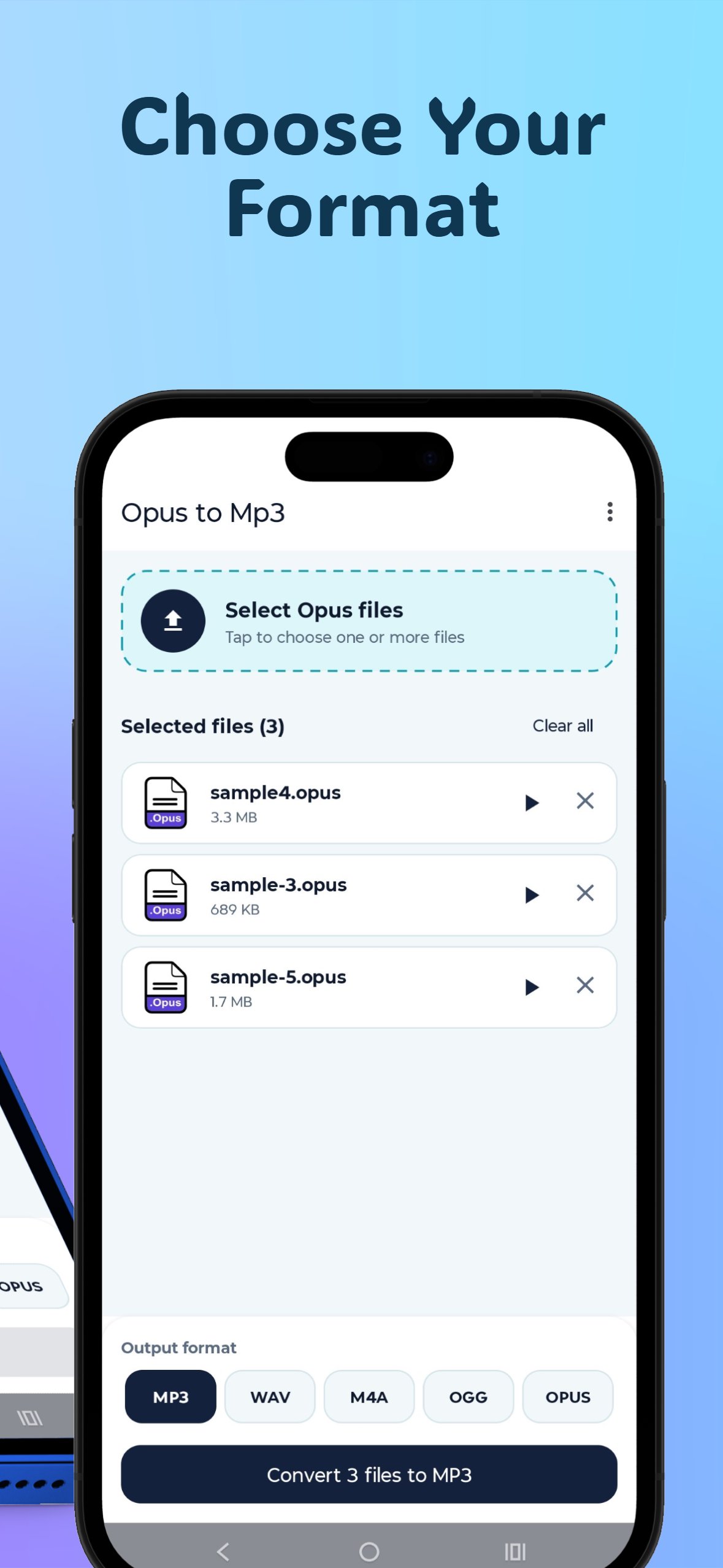
• Select one file or many files at once (batch conversion)
• Watch live progress for every file and cancel any file at any moment
• Play your audio in the built-in player: seek, skip 10 seconds back or forward, and change speed from 0.75x to 2x
• Preview a selected file before converting it
• Save each converted file, or save all of them at once, to any folder you choose
• Find your earlier conversions in the Recently converted list, with play, save and delete
HOW TO CONVERT OPUS TO MP3
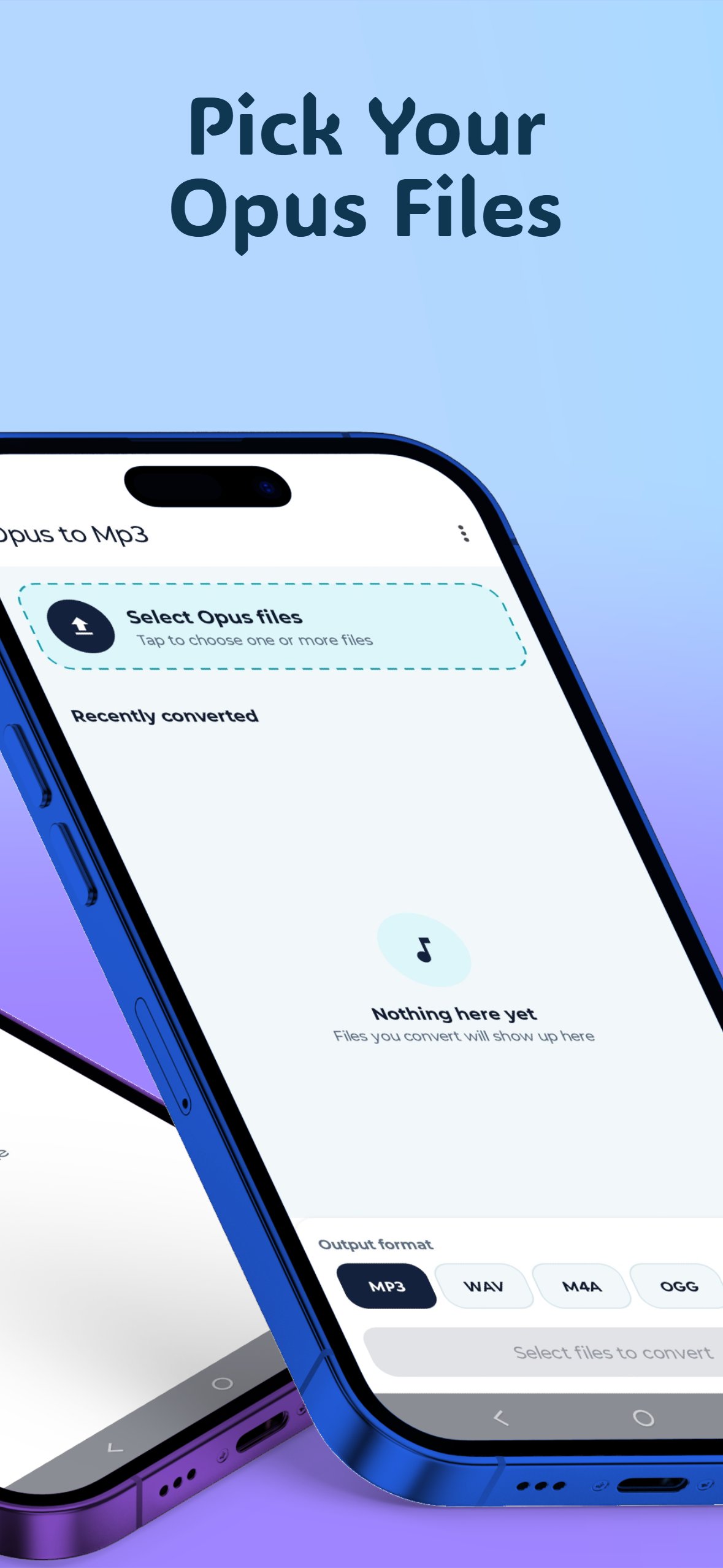
1. Tap "Select Opus files" and choose one or more files.
2. Pick the output format: MP3 (default), WAV, M4A, OGG or Opus.
3. Tap Convert. Files are converted one after another.
4. When a file is done, tap its download icon to save it, or tap "Save all".
OFFLINE AND PRIVATE
• No internet needed: all conversion happens on your device.
• Your audio is never uploaded anywhere.
• The app asks for no permissions. You choose files and save locations with Android's own file picker.
OUTPUT FORMATS
• MP3: high-quality variable bitrate
• WAV: uncompressed 16-bit audio
• M4A: AAC at 192 kbps
• OGG: Vorbis, high quality
• Opus: 128 kbps
Good to know: Opus is already a compressed format, so converting to another lossy format will not improve the original quality. WAV keeps the decoded audio without further compression, but the files are much larger.
PERFECT FOR
• Voice notes and voice messages you want to play in any music player
• Sharing audio with people whose devices cannot open .opus files
• Preparing audio for editing apps that do not support Opus
Simple, clean light design: pick your files, choose a format, convert.




One-click to install XAPK/APK files on Android!

Thanks for your rating and feedback!
You have already rated.