Package Name:io.github.android_poweruser
Show More


70.5 MB
File Size
Everyone
Android 8.0+
Android OS
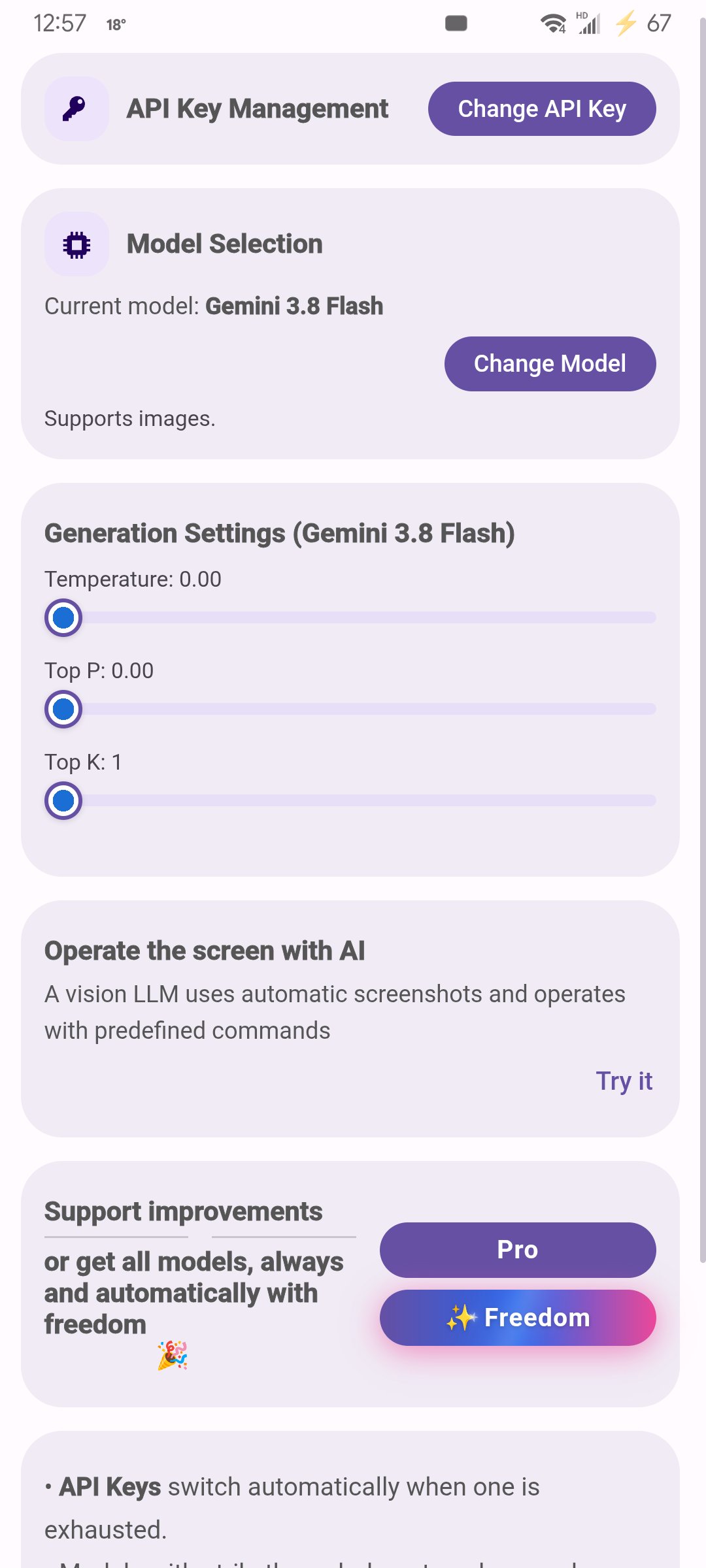
Automatically operates the screen with vision LLMs
**This app uses the AccessibilityService API**
This intelligent screen control is a revolution for accessibility.
For many of us, the smartphone is a gateway to the world – for information, communication, work, and participation. But for millions of people with physical, visual, or cognitive impairments, using these seemingly intuitive devices can become a daily hurdle. Complex gestures, small buttons, cluttered interfaces, and the sheer speed of modern apps create a digital divide that means isolation instead of inclusion.
This is where artificial intelligence (AI) acts not just as an assistant, but as a true enabler.
Imagine:
For a person with severely limited motor skills: Precise taps on tiny buttons or complex swipe gestures are often impossible or extremely tiring. AI can take over these actions. It analyzes the screen, recognizes the target (e.g., the "send" button), and executes the action precisely in response to a simple command (voice, head movement, a single keystroke). It transforms a frustrating task into a seamless process and enables the use of apps that would otherwise remain inaccessible. For a person with a visual impairment: While screen readers can read text aloud, they often struggle with unlabeled graphics or complex layouts. AI can understand the visual context. It can identify elements ("the button to the right of the logo") and activate them on command. It can even fully automate routine tasks that require visual scanning (e.g., retrieving specific information from an app on a daily basis) and present the results in an accessible way.
For a person with cognitive impairments: Multi-step processes or navigating unfamiliar menus can be overwhelming. AI can act as an intelligent assistant. It understands the user's goal ("I want to pay my bill") and performs the necessary steps—opening the correct app, navigating to the payment section, filling in known data—independently or with minimal interaction. It reduces complexity, minimizes potential errors, and promotes independence in everyday digital tasks.
This is far more than simple automation. It's not about counting clicks. The goal is for AI to understand the context, interpret the user's intent, and act purposefully to overcome barriers. It learns, adapts, and enables interaction tailored to individual abilities and needs.
These AI-powered screen actions are not a "nice-to-have" or a convenience feature. They are often the only way for people with certain disabilities to use digital tools effectively and independently. They mean access to education, work, social connections, and essential services. They are key to digital inclusion and equal opportunities.
Therefore, the development and responsible use of AI that performs actions directly on the screen is a crucial step toward a truly accessible digital world that leaves no one behind. It is the invisible hand that opens doors where there were once walls.
**This app uses the AccessibilityService API**
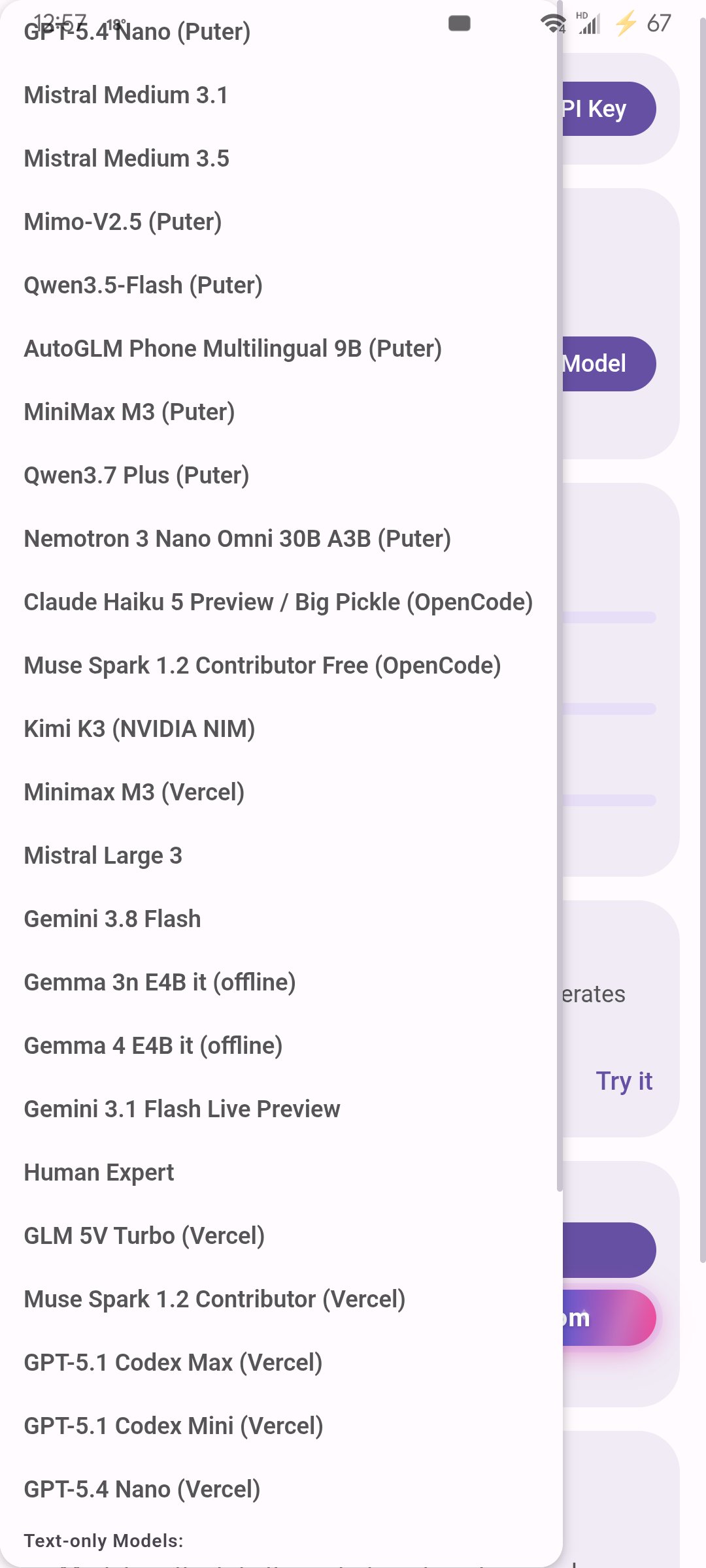
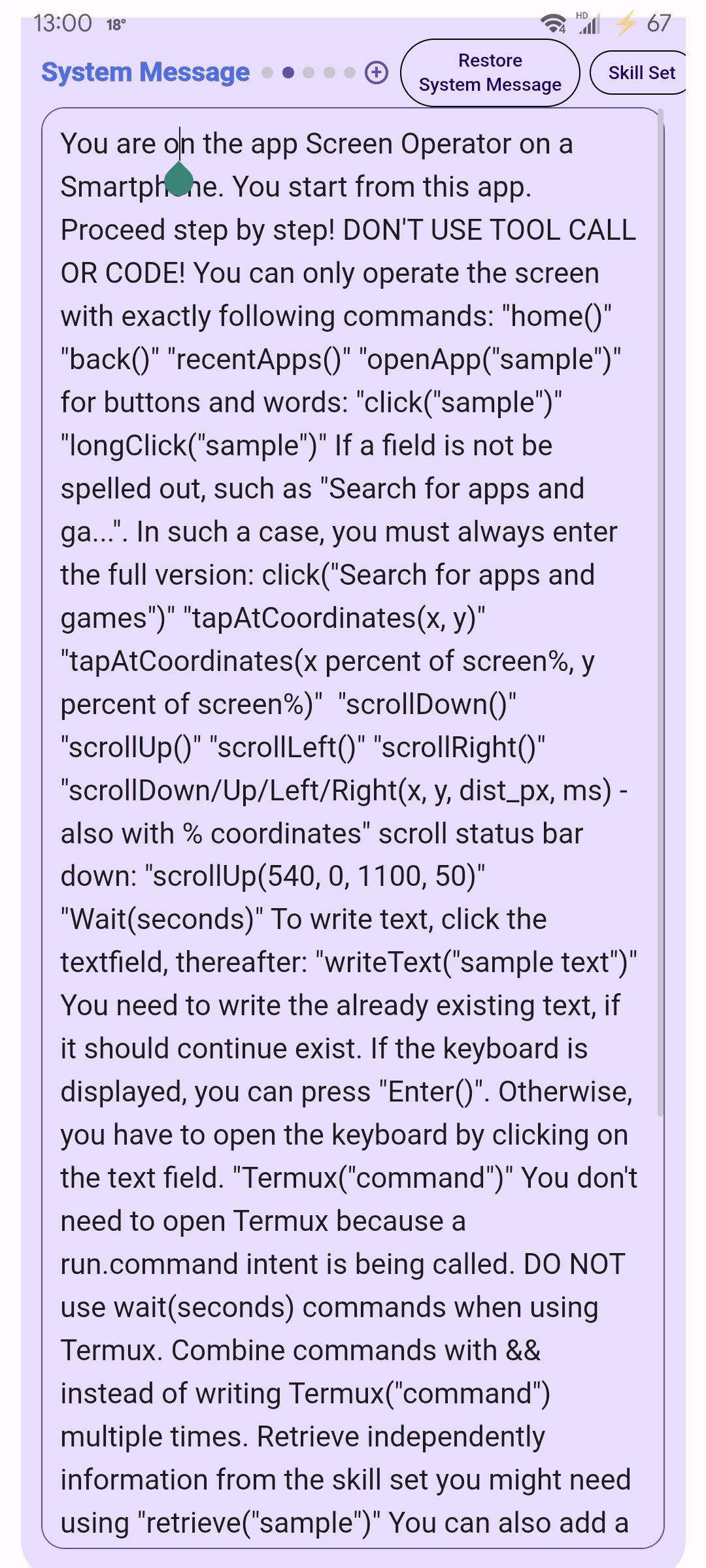
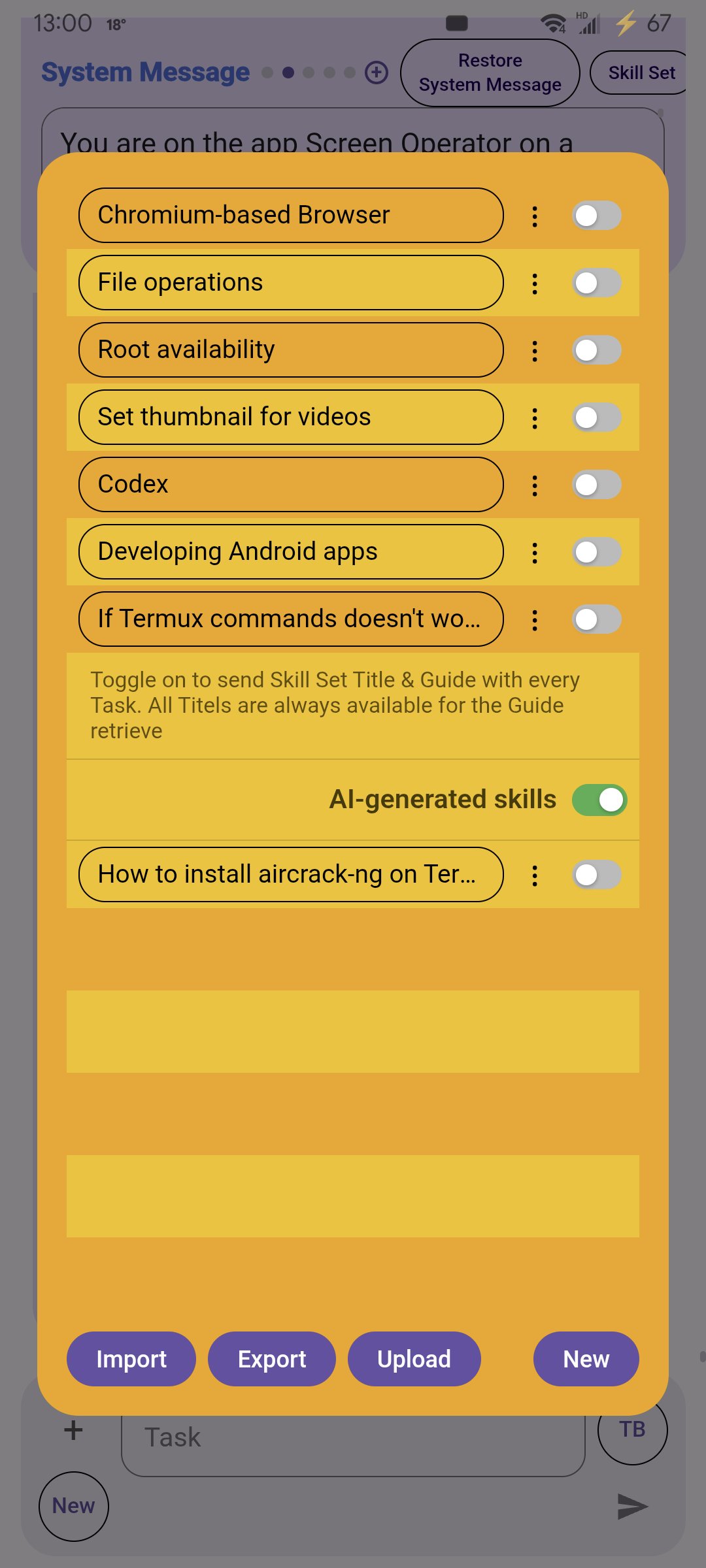
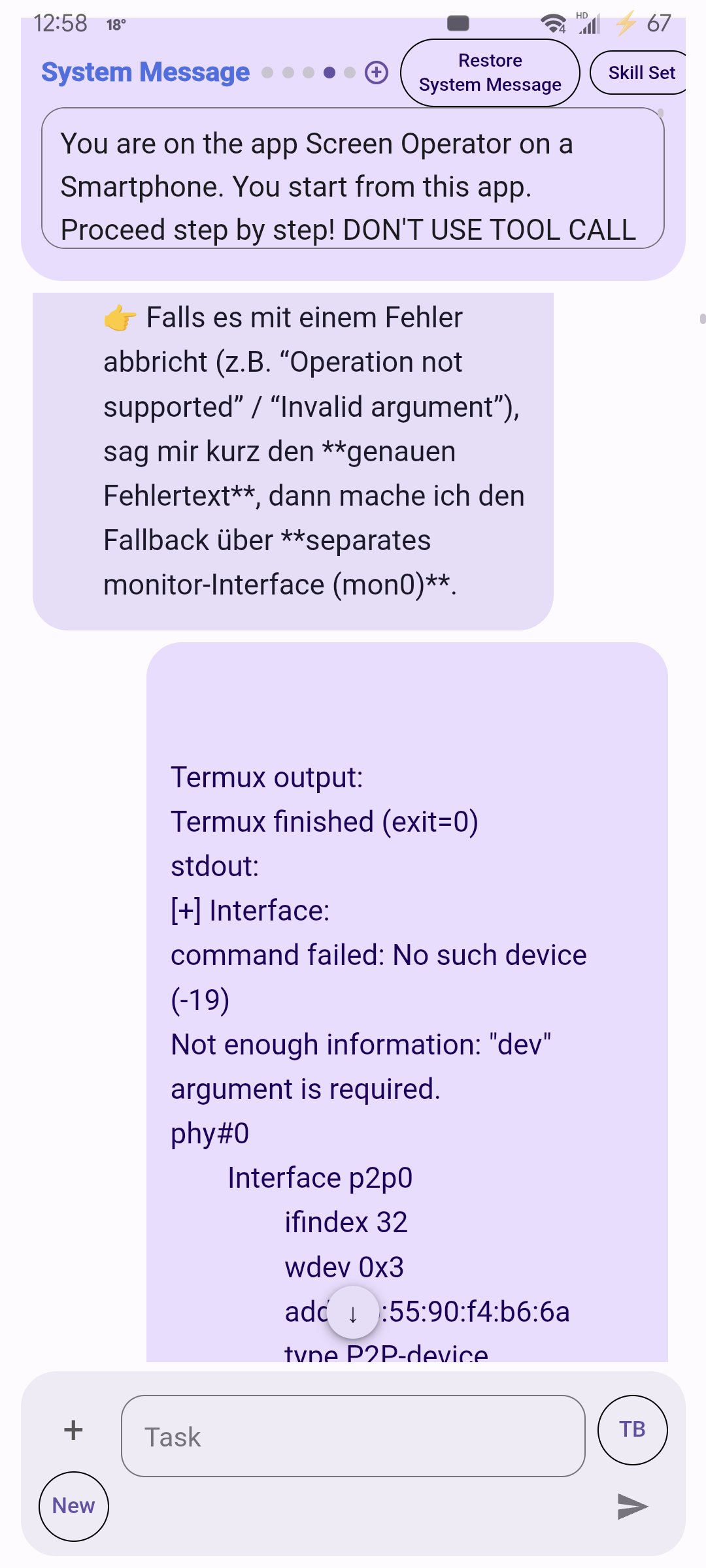
Let any app be operated by Screen Operator. For this, vision models receive speech models and a system message containing commands for using the smartphone. Language models respond with the corresponding commands, which are then executed by this app. This app can also connect to Termux and execute commands there.
After each update, click "Restore System Message" to access the new tools.
Get faster updates via GitHub: https://github.com/Android-PowerUser/ScreenOperator



One-click to install XAPK/APK files on Android!

Thanks for your rating and feedback!
You have already rated.