Package Name:com.smartwatch.liveclock
Show More

33.9 MB
File Size
Everyone
Android 8.0+
Android OS
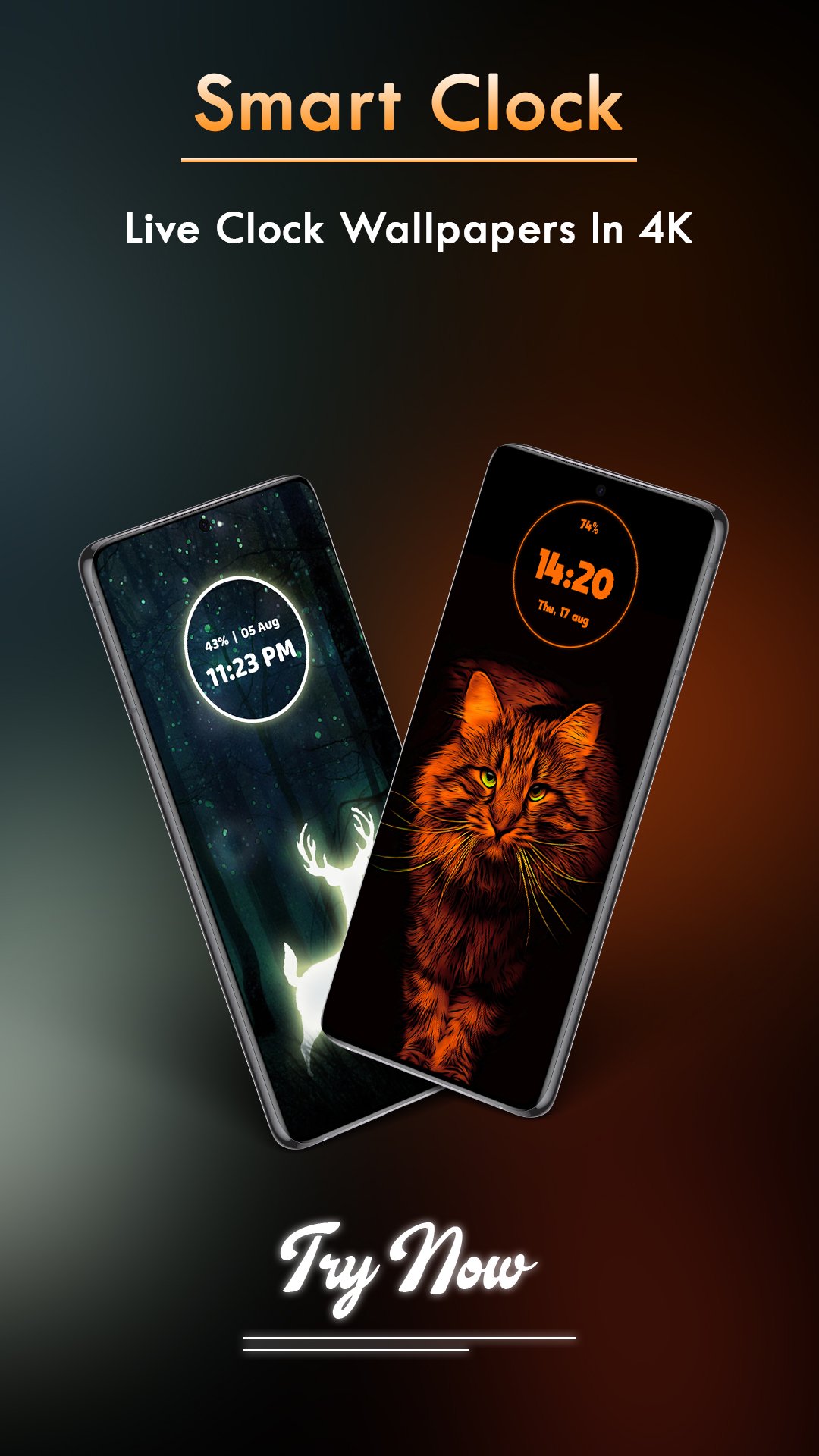
Personalize your screen with Smart Clock Neon Wallpapers
Smart Watch: Clock Wallpaper - Make Time Part of Your Style!
Give your phone a watch-inspired look with moving faces and a time display that belongs in your background. Choose a modern, classic or luminous design and make the screen feel more personal without losing sight of the time.
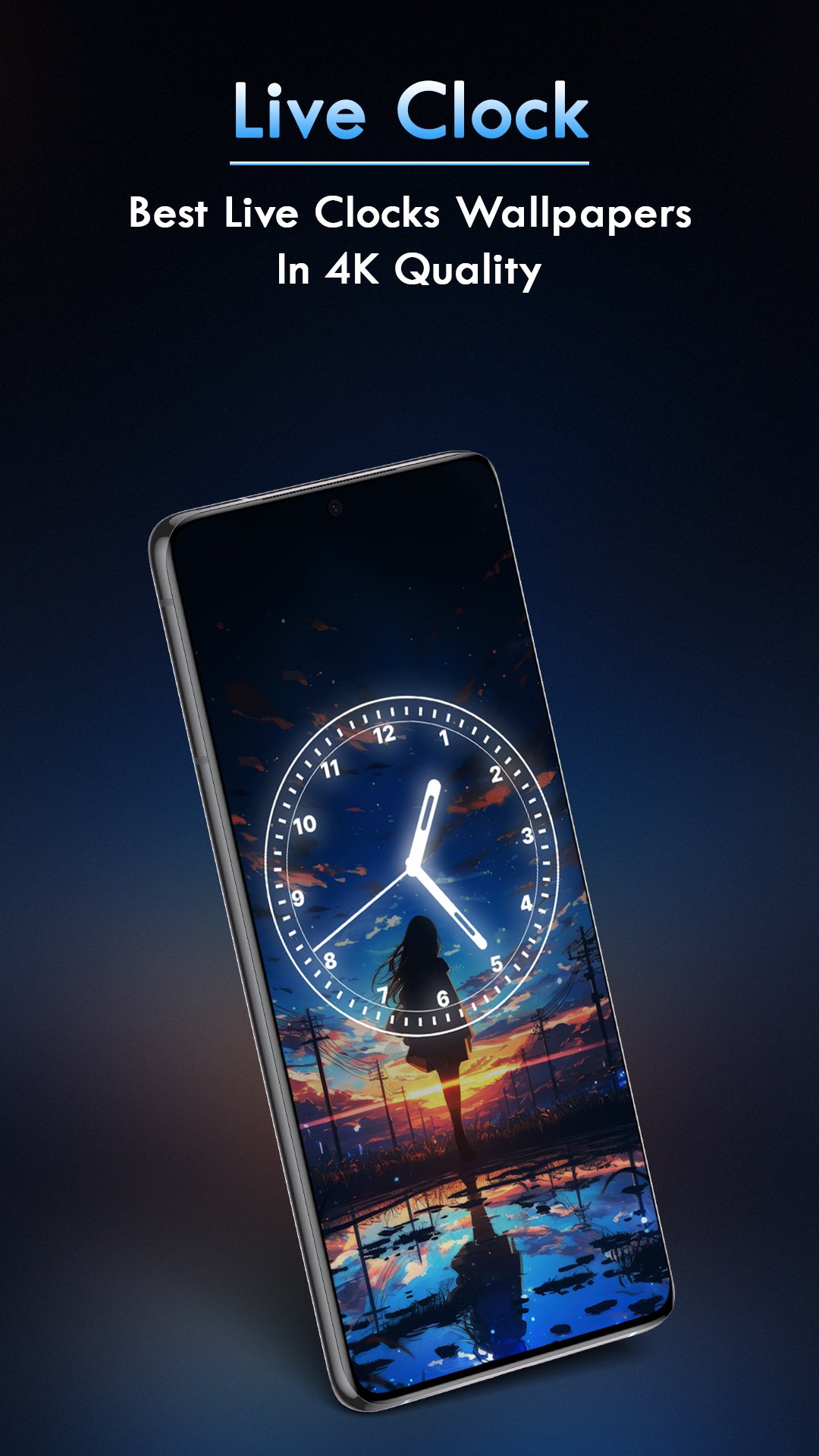
Explore Smart Clock Neon Wallpapers for a bright accent that draws attention to the display. Prefer a quieter look? The collection also includes familiar hands and clear numerical layouts, so you can choose a design that suits your everyday screen.
App Features:
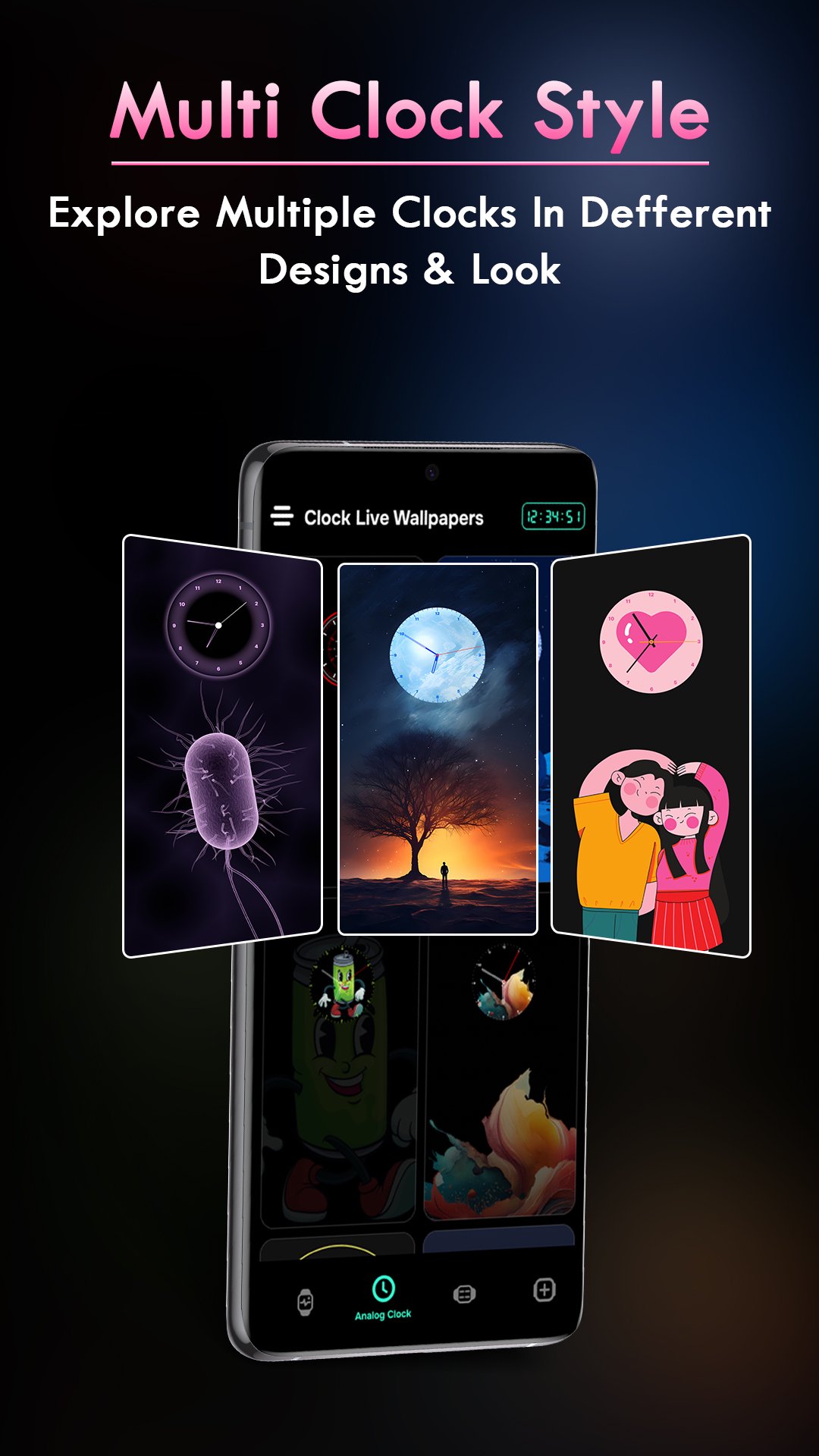
⌚Smart Watch: Clock Wallpaper - Explore faces inspired by the look of a wristwatch;
🌈Smart Clock Neon Wallpapers - Bring luminous styling to your phone background;
🔒Lock Screen Clock Widgets - Personalize a supported lock screen with a time-focused look;
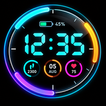
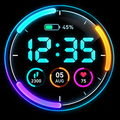
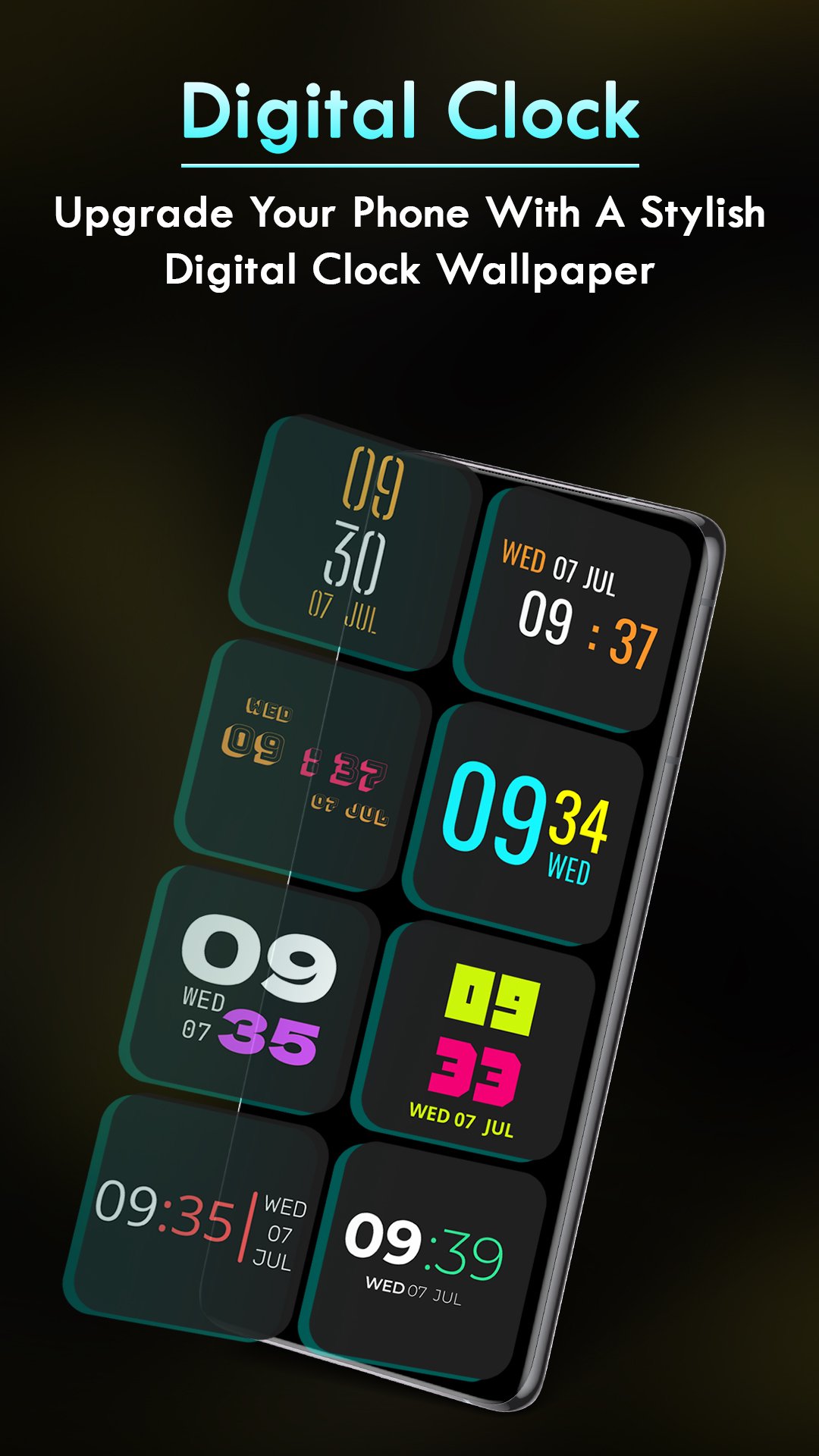
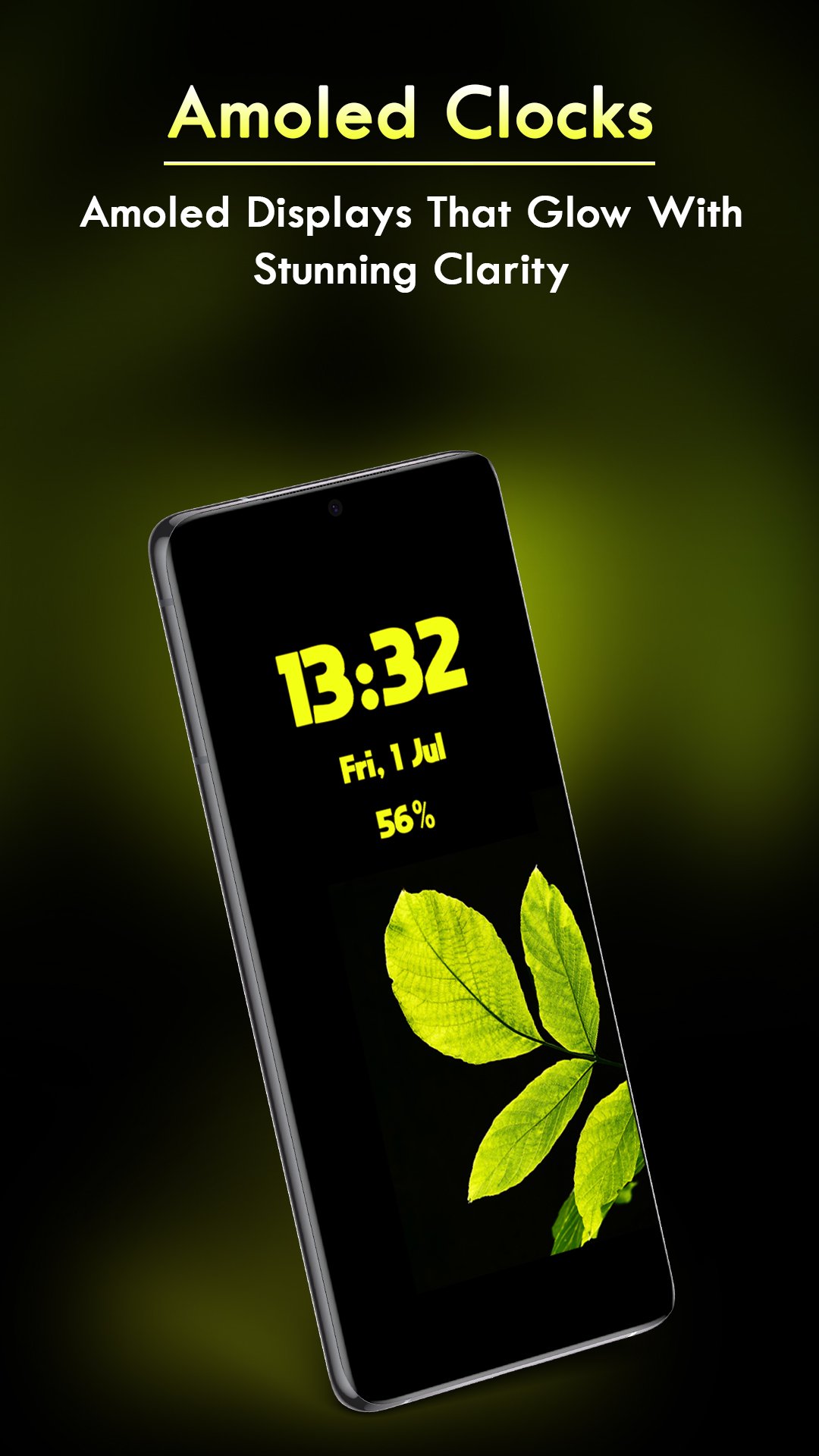
🔢Digital Clock Wallpapers - View time alongside date and battery information;
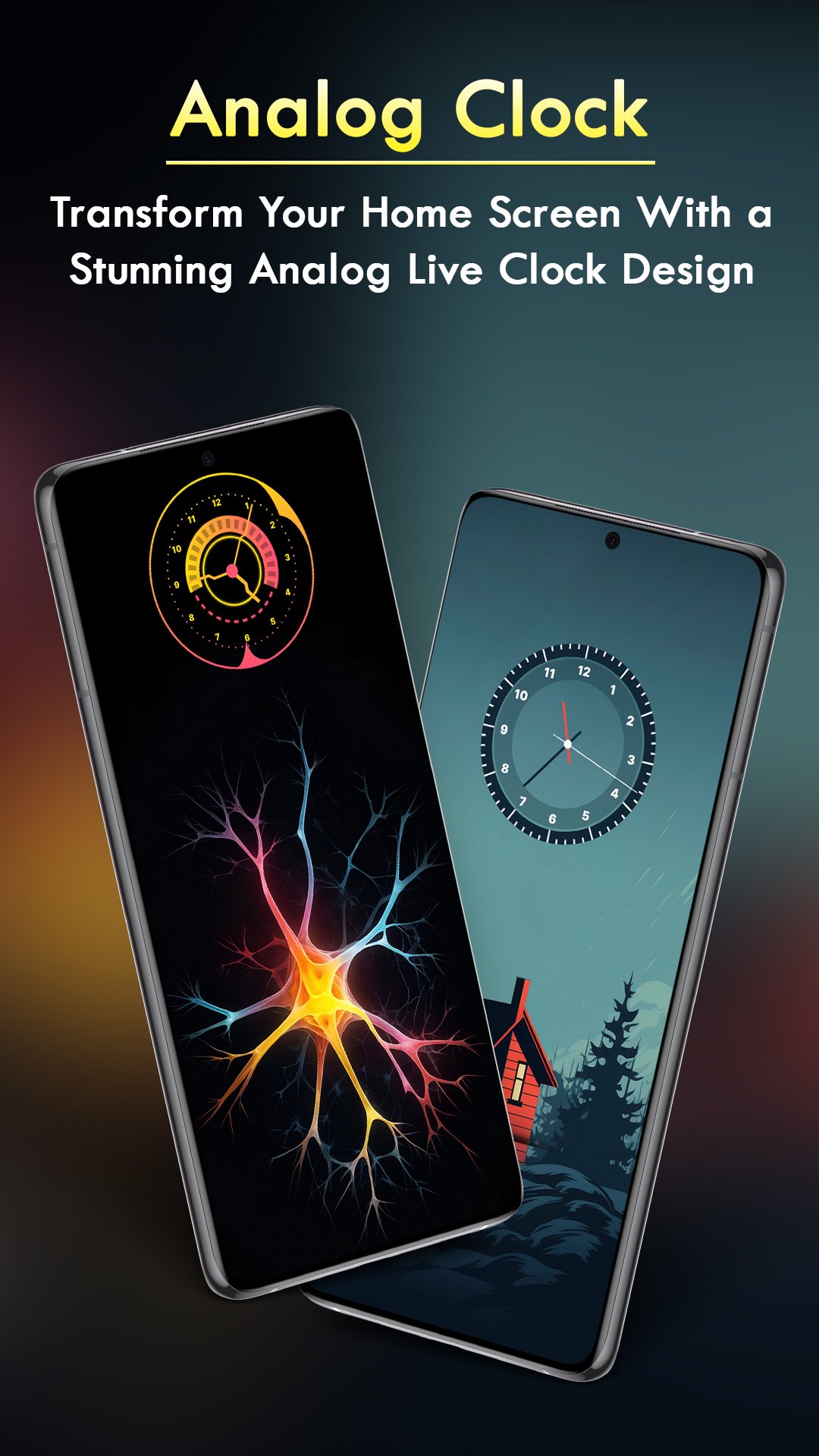
🕰️Analog Clock Backgrounds - Enjoy traditional hands that move in real time;
✨Live Clock Wallpapers - Add animated timepieces to your screen;
⚙️Adjustable layout - Choose the size, style and position of the display;
📱Home screen styling - Fit a time-themed design into your phone's everyday appearance;
A Face That Fits Your Screen!
Start with the kind of display you enjoy reading. Digital Clock Wallpapers offer a numerical view, while other styles put the emphasis on the shape and movement of the hands. Think about where the time sits alongside your icons and background before deciding on a layout.
With Analog Clock Backgrounds, a familiar dial becomes part of the design rather than a separate detail. Adjust the available layout controls to give the face enough space and keep the overall screen balanced.
How To Use:
📲Open the app and browse the available designs;
⌚Choose a face in Smart Watch: Clock Wallpaper to match your preferred look;
🎨Explore Smart Clock Neon Wallpapers if you want a luminous style;
⚙️Adjust the available size and position settings;
🔎Check how the display fits with your screen layout;
✅Apply your chosen design using the options available on your device;
🔒Review Lock Screen Clock Widgets on a supported lock screen;
🔢Information at a Glance:Keep the details you use together in a time-themed background. Digital Clock Wallpapers combine a numerical display with date and battery information, making these details part of the screen's appearance. Choose a style that leaves the information easy for you to read.
🕰️A Classic Touch:Use Analog Clock Backgrounds when you prefer a dial to digits. Moving hands give the design its familiar character, while the size and position controls help you shape the layout around the rest of your screen.
✨Movement in the Background:Live Clock Wallpapers bring changing time into your chosen design. Pick a face for its appearance as well as its readability, whether you prefer a watch-inspired layout or a simple time display.
📱Choose the Right Placement:Consider your home screen and lock screen separately when personalizing your phone. Lock Screen Clock Widgets depend on the options your device supports. Available placement and display behavior may vary by device and system settings, so check the result on your own screen.
Make Your Everyday View Your Own!
Use Live Clock Wallpapers to combine a useful time display with a look you enjoy. Explore the available faces, adjust the layout and choose a design that feels at home on your phone.



One-click to install XAPK/APK files on Android!

Thanks for your rating and feedback!
You have already rated.