Package Name:dev.tokforge
Show More


159.5 MB
File Size
Everyone
Android 8.0+
Android OS
Private AI chat and pictures on your phone with open models. Works offline
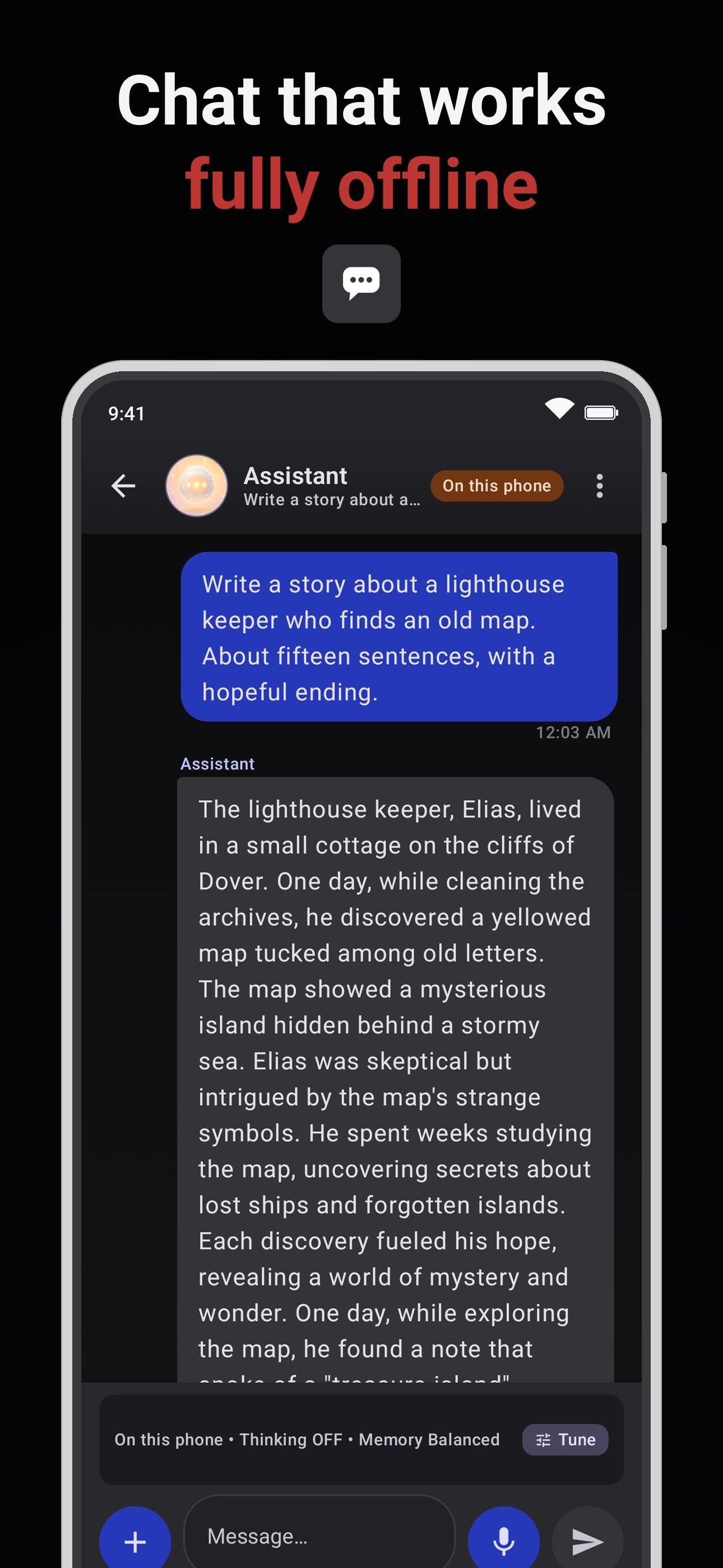
Run AI models on your own phone. TokForge downloads a model once, then chats, writes and makes pictures on the phone itself. No account and no subscription, and once your models are downloaded it works in airplane mode.
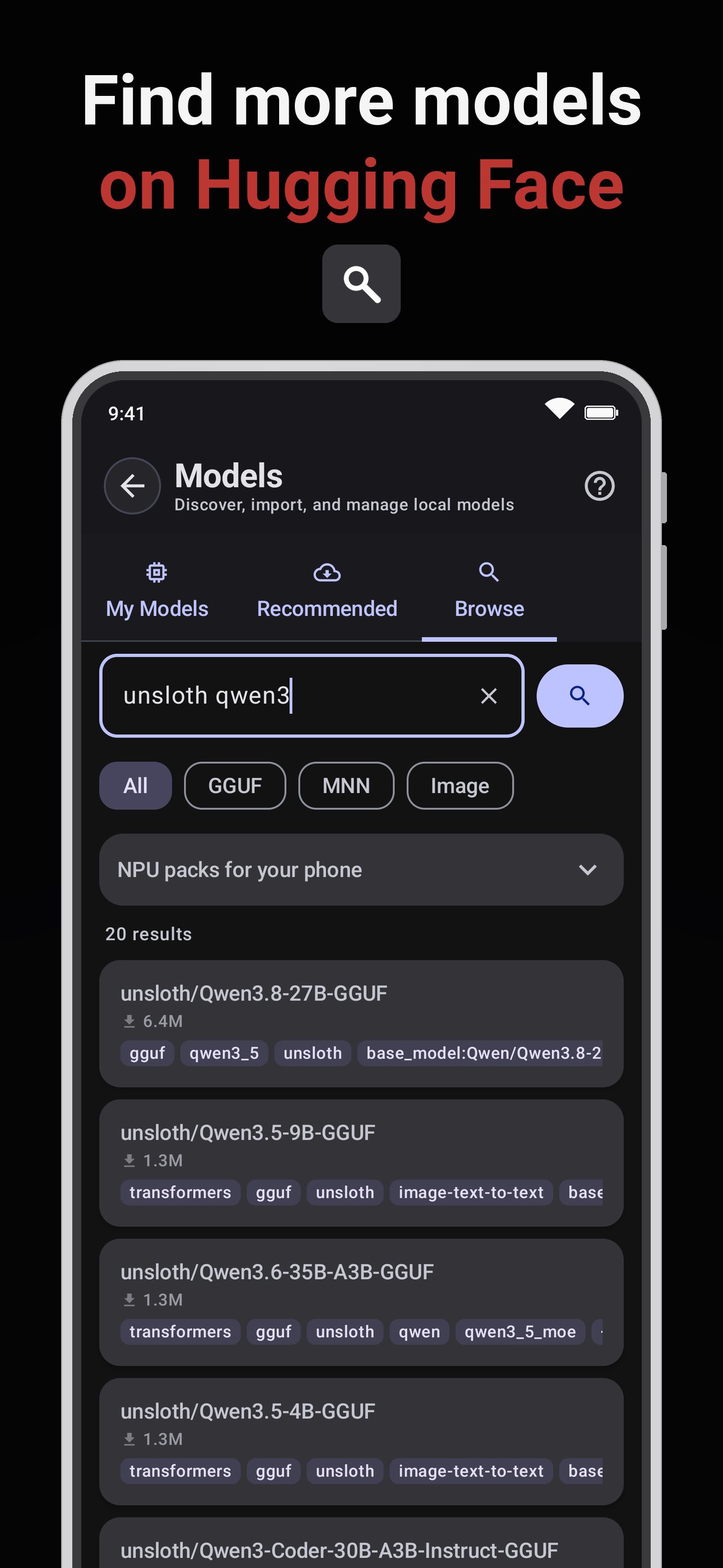
A model that fits your phone. TokForge suggests a model sized for your phone, and the catalog shows what fits before you download. Choose from open models such as Qwen, Gemma, Llama, Mistral and Phi, or search Hugging Face for more. Say what you want to do and it picks the model, with Best for your phone, Fits and Too big badges.
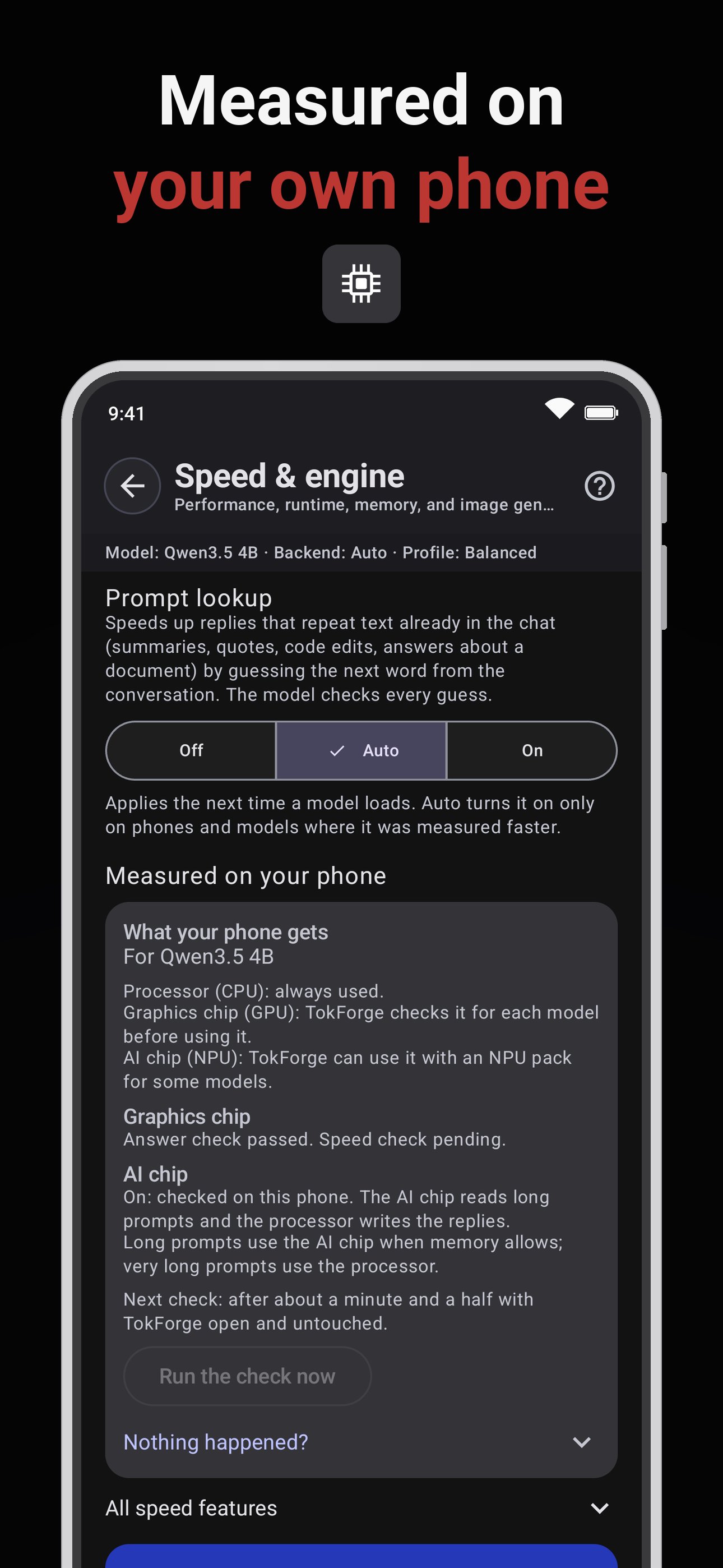
Your phone, your route. TokForge runs models on the CPU or the GPU, and on supported Snapdragon phones it can use the NPU, the phone's AI chip. Short checks on your phone pick the route that works best there, and a "What your phone gets" card in Settings explains it in plain words.
The NPU, when you want it. On supported Snapdragon phones, some models, such as Qwen3.5 4B, can read your prompt on the NPU while the CPU writes the reply. It is opt-in, with a one-time pack, and is used only after it passes a check on your phone.
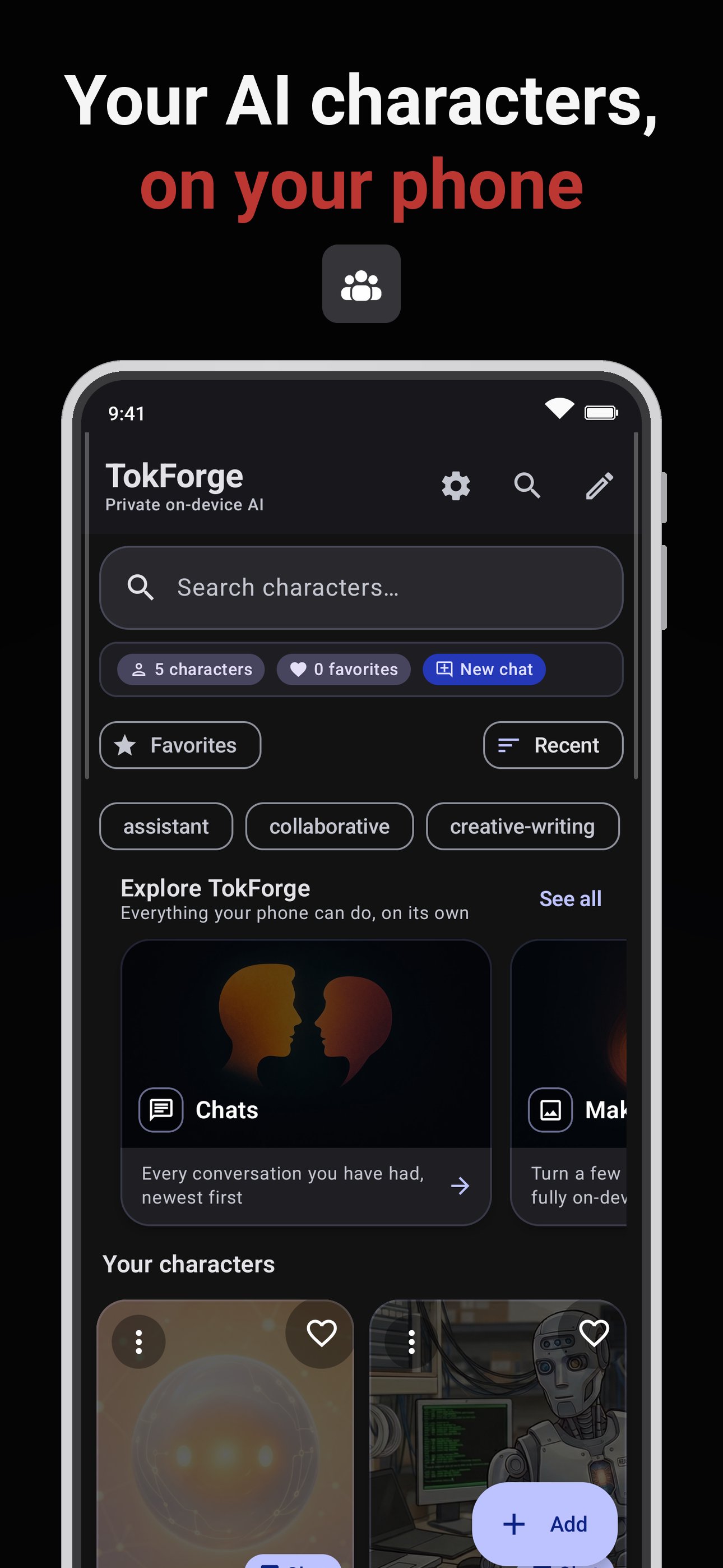
Chat and roleplay. Create characters or import character cards (PNG or JSON) from chub.ai, TavernAI and SillyTavern. Personas, lorebooks, alternate greetings, and group chats where every character can speak with its own voice.
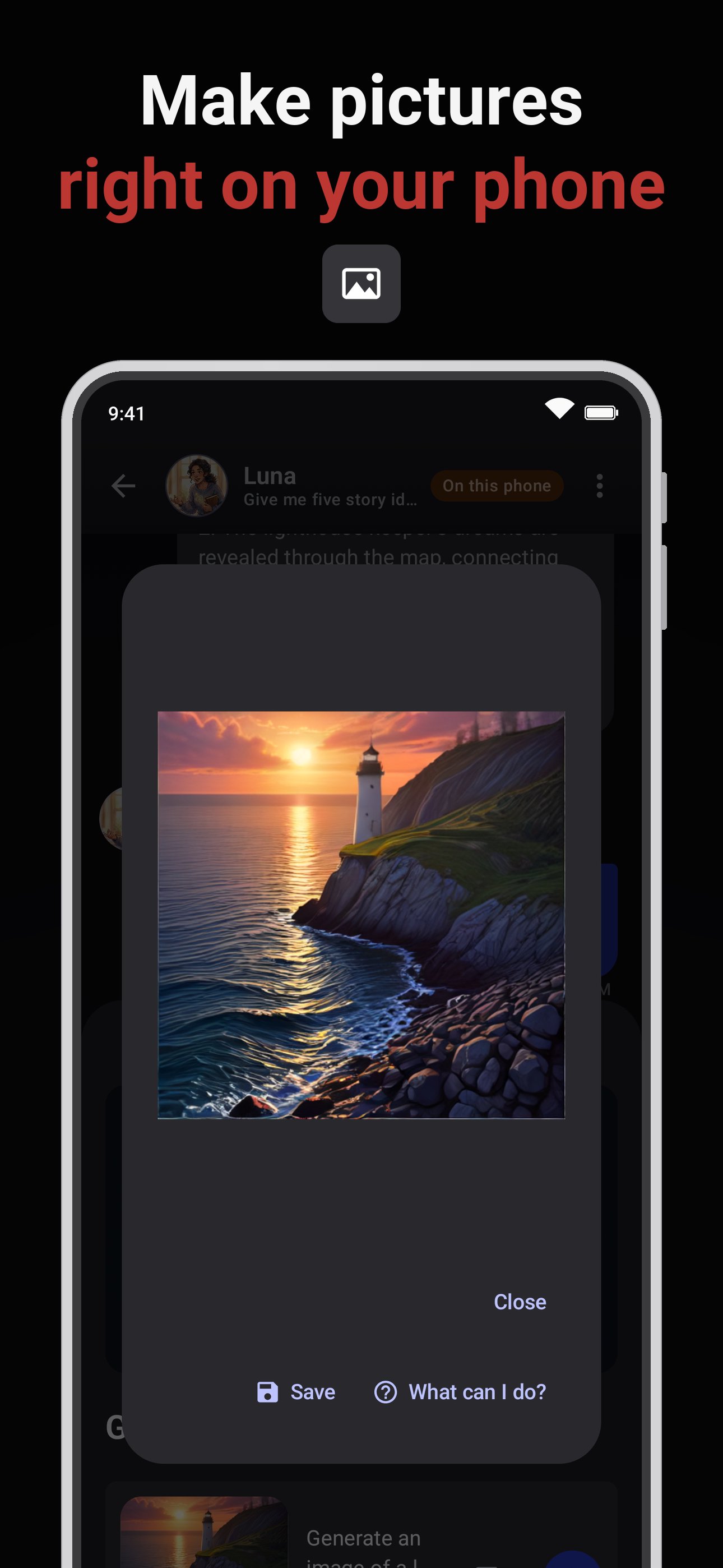
Make pictures on your phone. Type a prompt and get an image without an internet connection. Image generation runs on the CPU, and on supported phones on the GPU or the NPU. The GPU route reaches more phones, after a check on your phone.
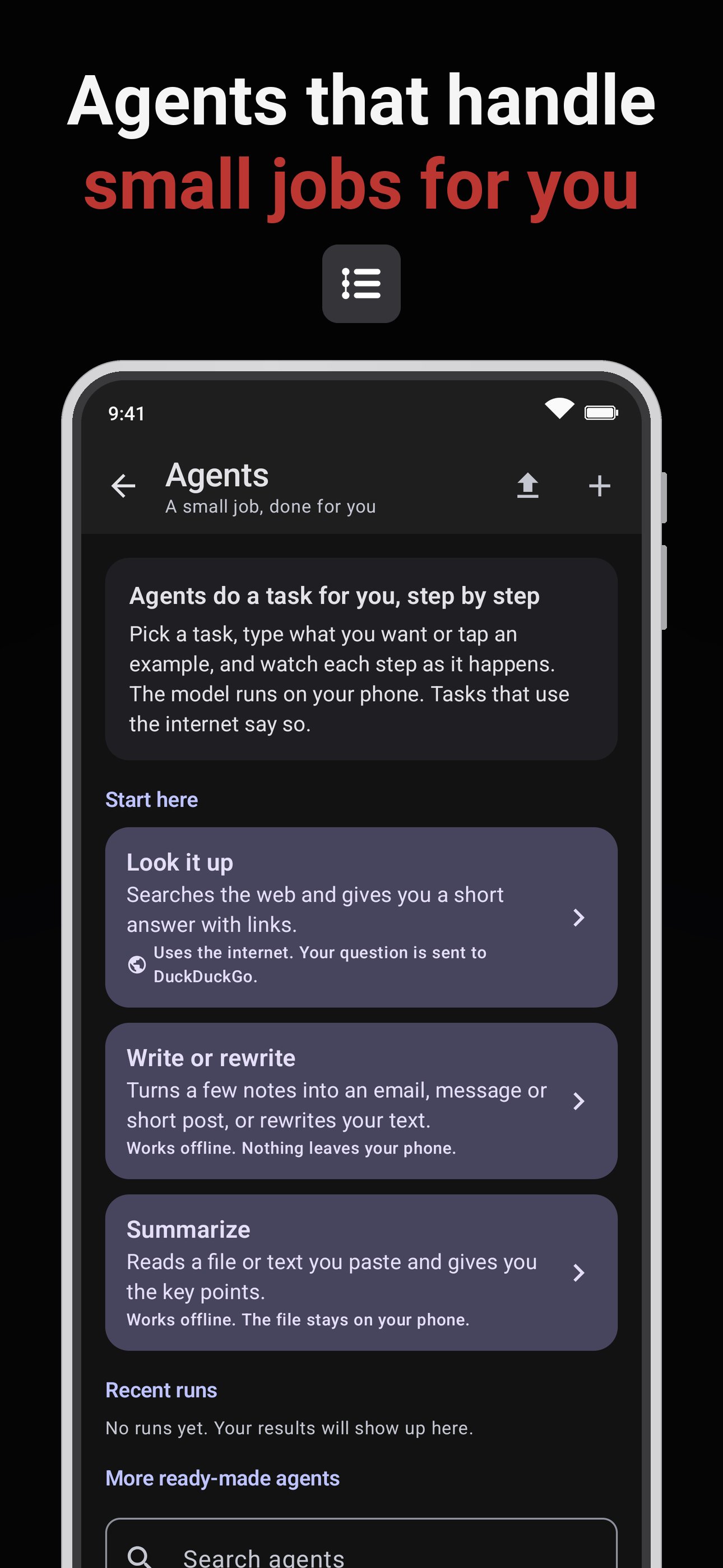
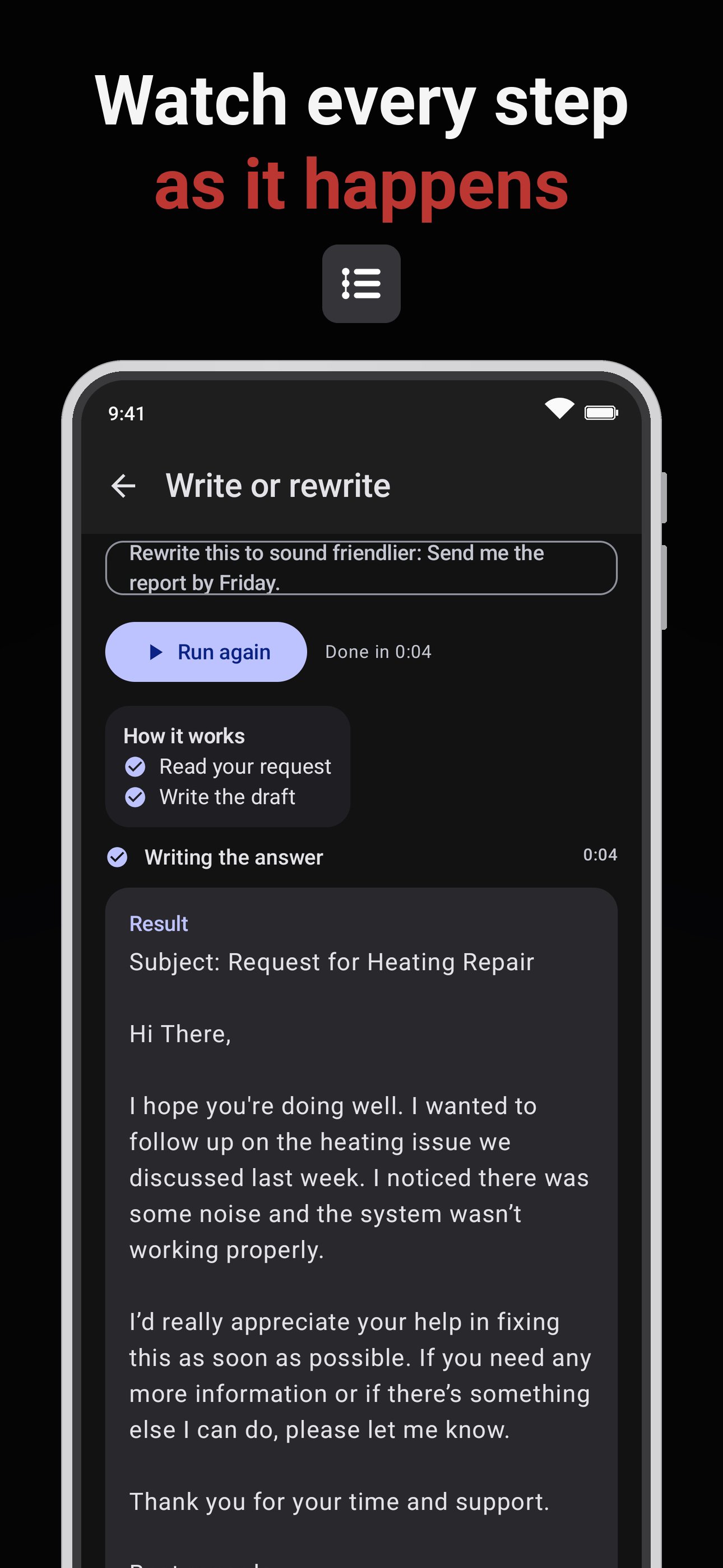
Agents. Hand off a small job, such as summing up a text or looking something up. Use a ready-made agent or build your own; some built-in agents go online when they run. Start from a preset and watch each step as it runs.
A terminal, if you want one. An optional command-line shell in its own folder inside the app. It stays off until you turn it on in Advanced settings, on phones that pass its safety check, and its internet access is off by default. When a model wants to run a command, you see it first, and it runs only if you tap Run.
Talk to it. Replies can be read aloud in several Kokoro voices, or in a voice cloned from a short recording. Voice input included.
Ask your documents. Drop in a PDF, DOCX, EPUB, Markdown, CSV or text file and ask questions about it. Long-term memory and a knowledge graph keep track of what matters across conversations.
Web search, when you want it. Off by default. When on, only the search query is sent.
Abliterated models, your choice. The catalog also lists Abliterated versions of some Qwen models: the same model, edited to refuse fewer requests. You decide whether to download one.
Privacy. Chats and documents stay on your phone. No account, no analytics of our own. Online features include model downloads, web search, your phone's voice typing, the leaderboard, a remote server (it gets your chat), and the built-in weather and define agents when they run. When a photo or video is read, Google's text recognition sends usage statistics, not your images or text, to Google.
Benchmark and tune. AutoForge measures models on your phone and saves the best setups. Posting a result to the public leaderboard at leaderboard.tokforge.ai is up to you.
Back up and restore your chats, characters and settings. Connect your own OpenAI-compatible server. A local developer API, off by default. Available in 8 languages.
Get new features first. Join the beta program from this page to get new versions first and tell us how they run in our Discord. Leave at any time.
Community.
Discord: discord.gg/Acv3CBtfVm
Leaderboard: leaderboard.tokforge.ai
Web: tokforge.ai
iPhone and iPad: TokForge is available as a public beta on TestFlight.

One-click to install XAPK/APK files on Android!

Thanks for your rating and feedback!
You have already rated.