Package Name:com.muum.player
Show More


27.1 MB
File Size
Everyone
Android 8.0+
Android OS
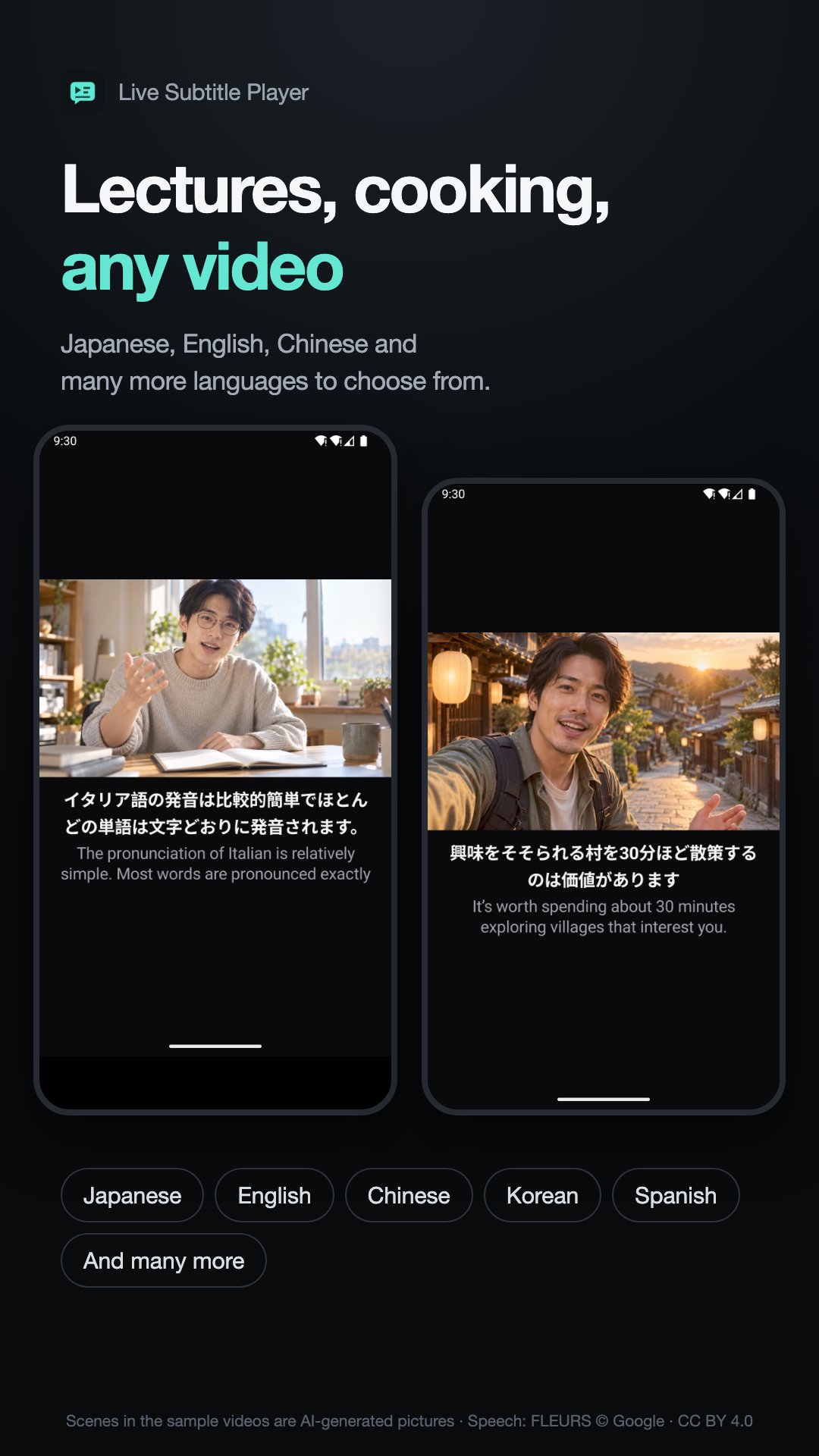
Subtitles in your language for Japanese and English videos, made on your phone.
Have a video with no subtitles? Make them right in your player.
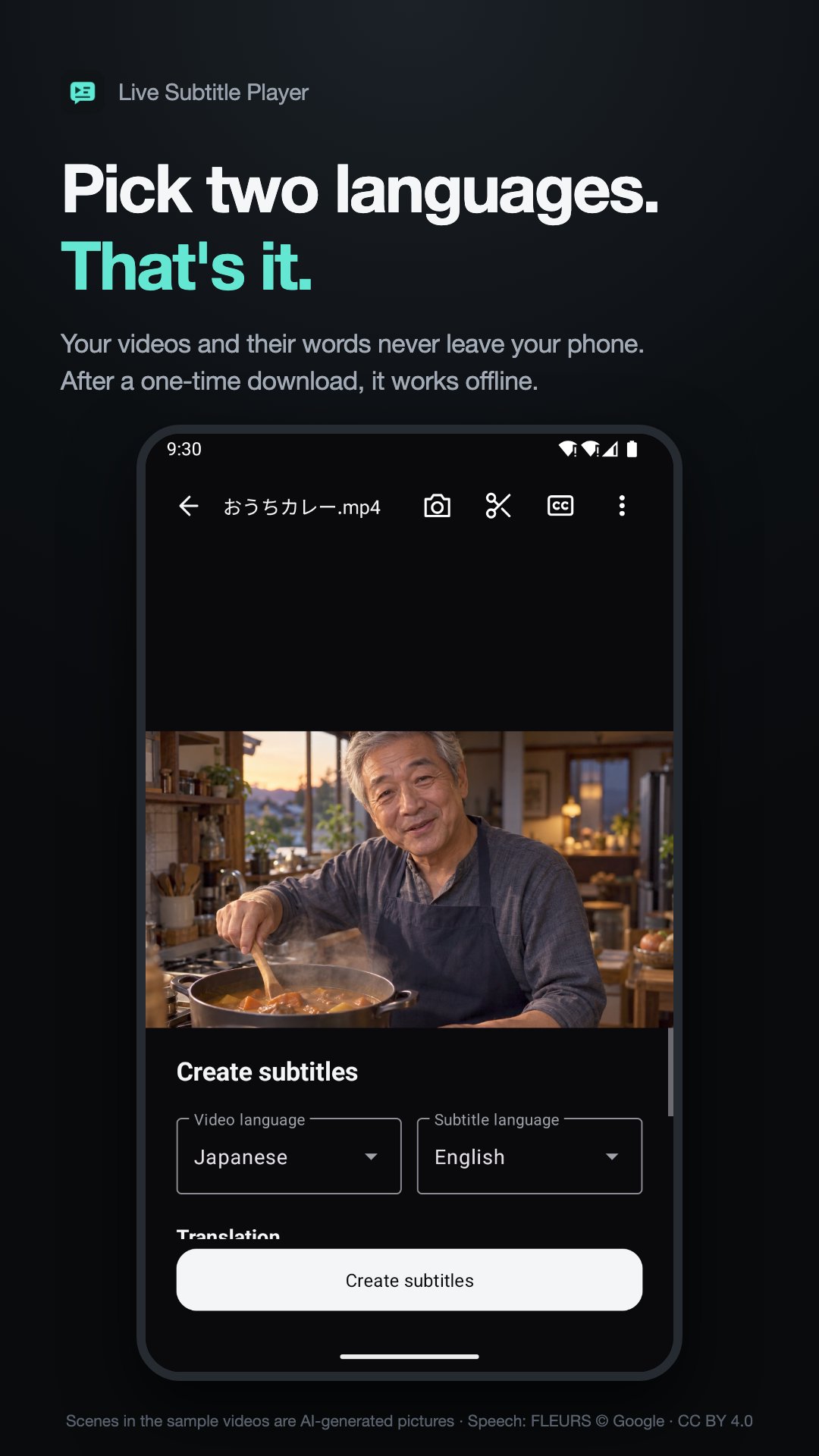
Open a video saved on your phone, choose its spoken language and your subtitle language, and start.
All features are free. No ads, subscriptions or credits to buy.
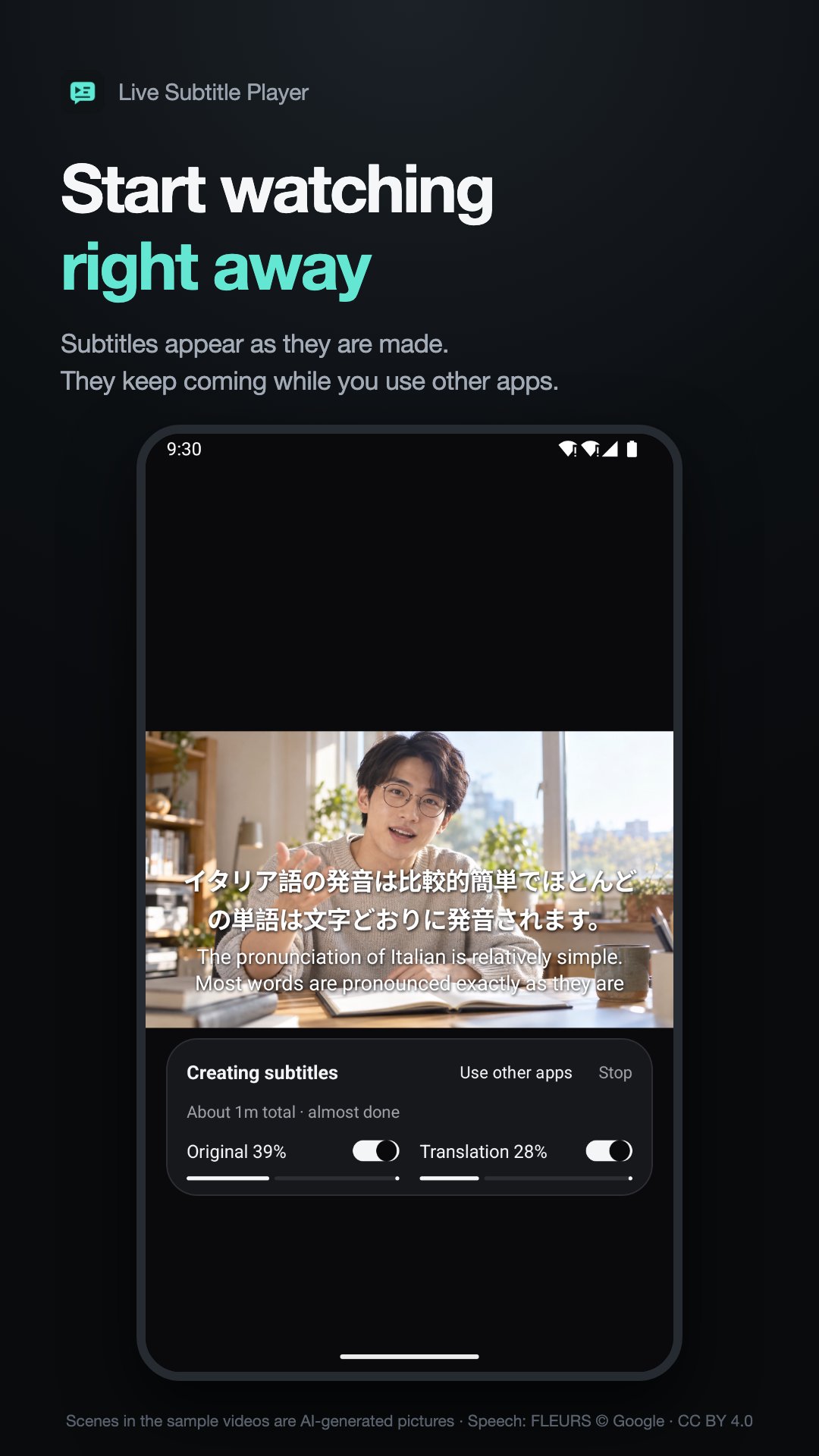
WATCH AS SUBTITLES ARE CREATED
Start reading completed sections while the rest is still processing. Show the original text beside the translation, or place larger subtitles below the video. Subtitle generation continues while you use another app; tap Stop to end it.
READ IN YOUR LANGUAGE
Choose Japanese, English, Korean, Spanish, French, German and more. Search language names to find the pair you want. Choose the same language on both sides to get original-language captions.
The initial suggestion is Japanese audio → your phone's language. Japanese users start with Korean audio → Japanese subtitles. Once you change the pair, the app remembers it for your next video.
A PLAYER FOR EVERYDAY WATCHING
• Swipe to seek; double-tap either side to jump 10 seconds
• Resume recently watched videos where you left off
• View original and translated subtitles together; replay dialogue
• Adjust subtitle size, position and timing
• Open SRT and VTT files; save generated subtitles as SRT
• Choose speech recognition and translation levels separately
YOUR VIDEOS STAY ON YOUR PHONE
Speech recognition and translation run on your device without sending your video or dialogue to a server. Download the required models once, then generate subtitles offline. Check the download size before starting.
ORGANIZE LIKE A GALLERY
Browse your phone's videos by date or by album and search them by name. Long-press to select several, then rename, move, share or delete them. Make it your default player and videos from other apps open here too.
The screenshots show subtitles the app made from sample videos. The scenes in the samples are AI-generated pictures, and the speech comes from the FLEURS dataset.
Menus are available in English, Japanese and Korean. Other phone languages use English menus. Available subtitle pairs depend on the selected models. The first subtitles take time to process; speed and accuracy depend on your phone, language and recording. This app plays video files saved on your phone. Translation level 1 displays Google translation attribution.
Support: [email protected]
FLEURS · © Google · CC BY 4.0 · https://creativecommons.org/licenses/by/4.0/




One-click to install XAPK/APK files on Android!

Thanks for your rating and feedback!
You have already rated.