Safe & Fast APK Downloads on APKPure
APKPure uses signature verification to ensure virus-free Special Forces Group APK downloads for you.

9.3
115 Reviews
75.8 MB
File Size
Mature 17+
Android 4.0+
Android OS
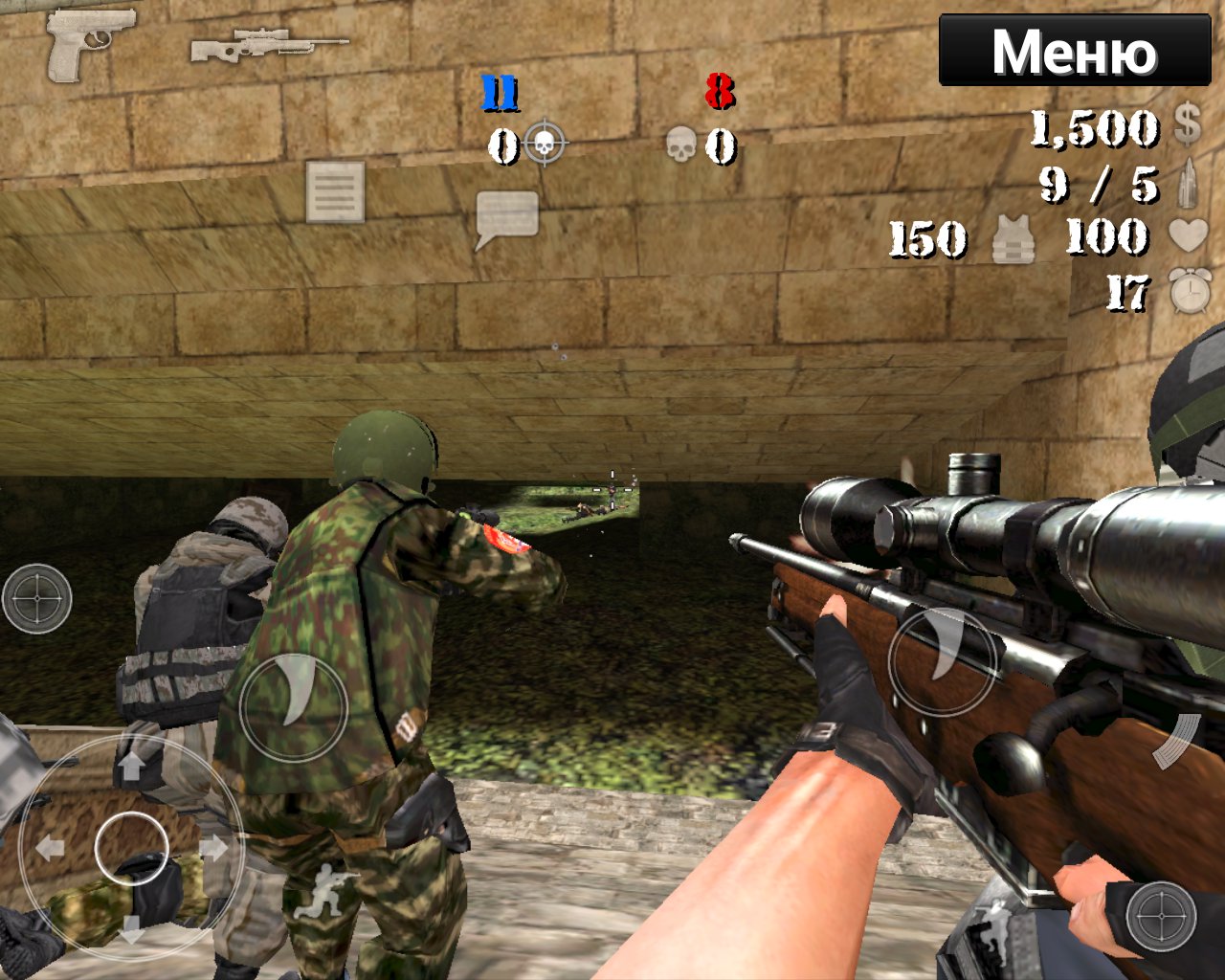
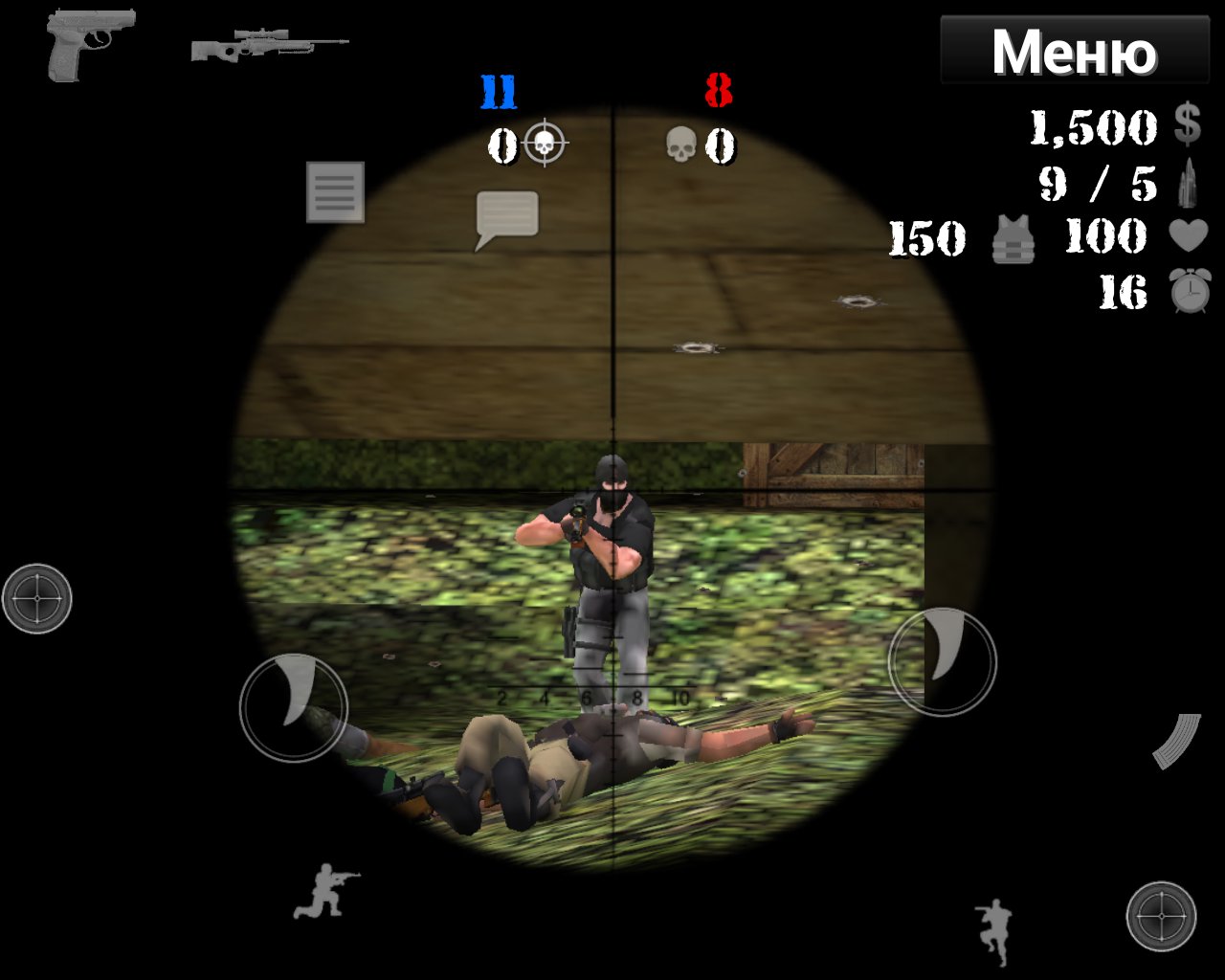
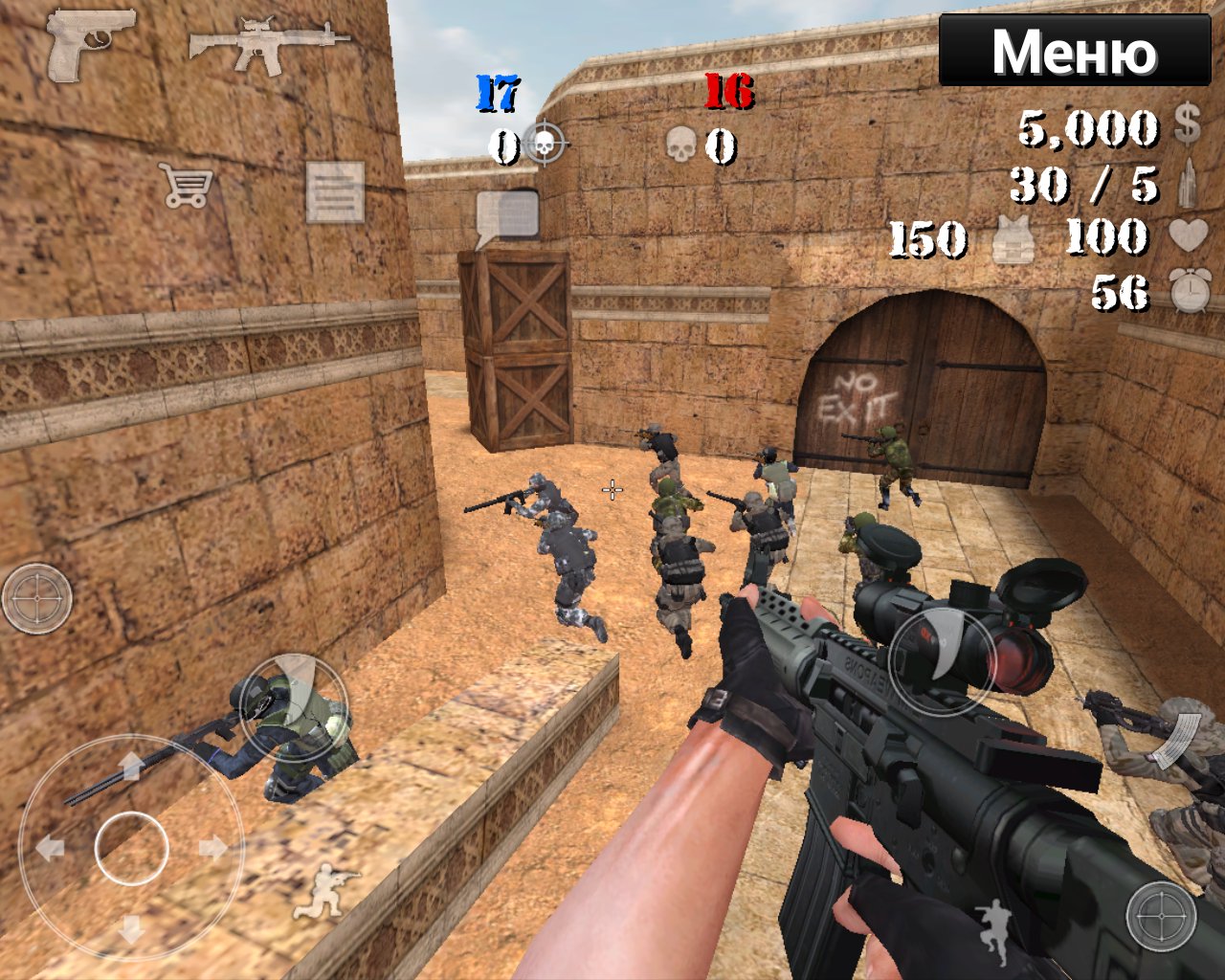
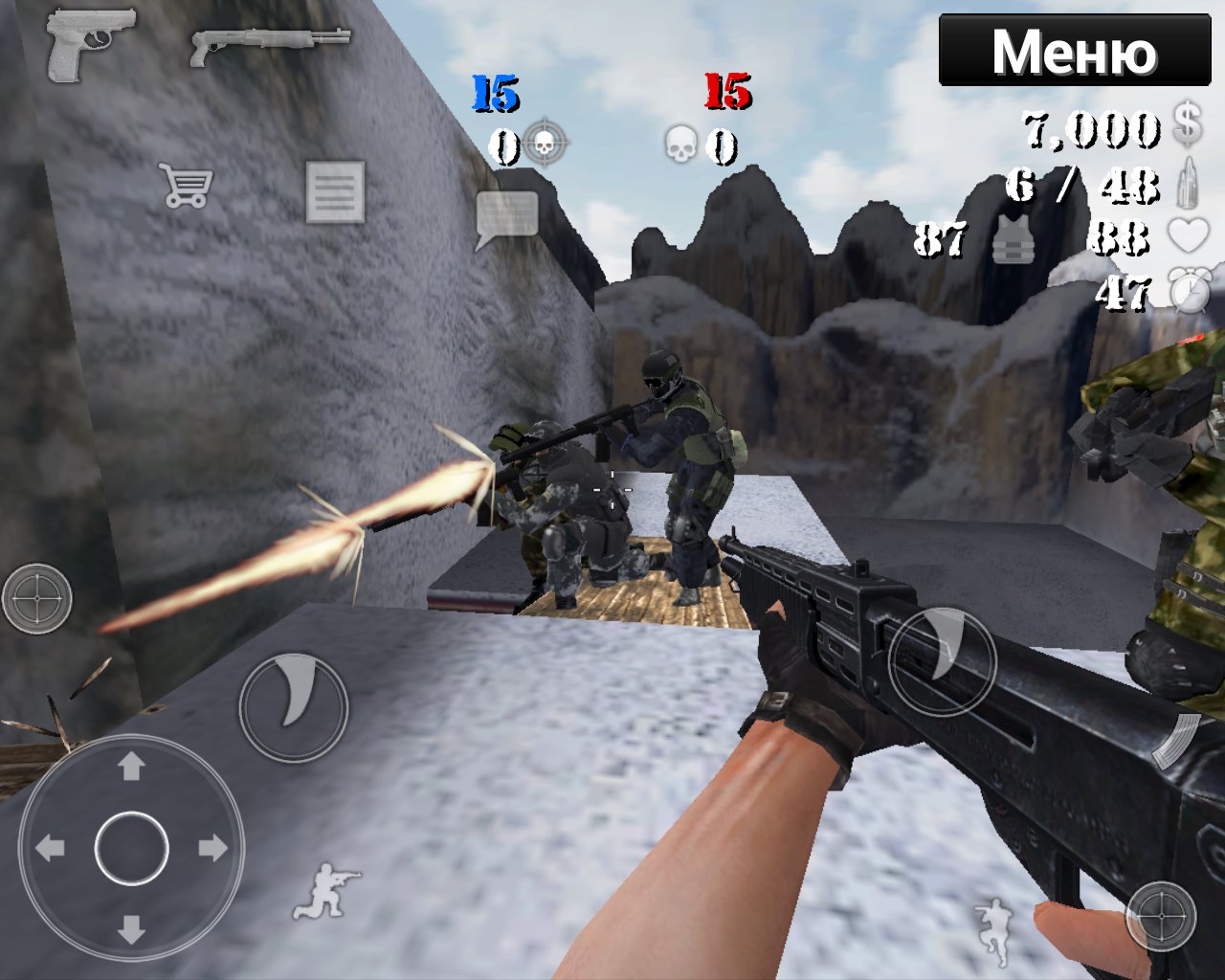
Special Forces Group is a 3D first-person shooter with online and offline modes.
ForgeGames built a straightforward shooter focused on fast team battles with bots, online, or over Wi‑Fi. Download Special Forces Group to jump into short, replayable rounds across varied maps and four modes. Below are the core features players care about.
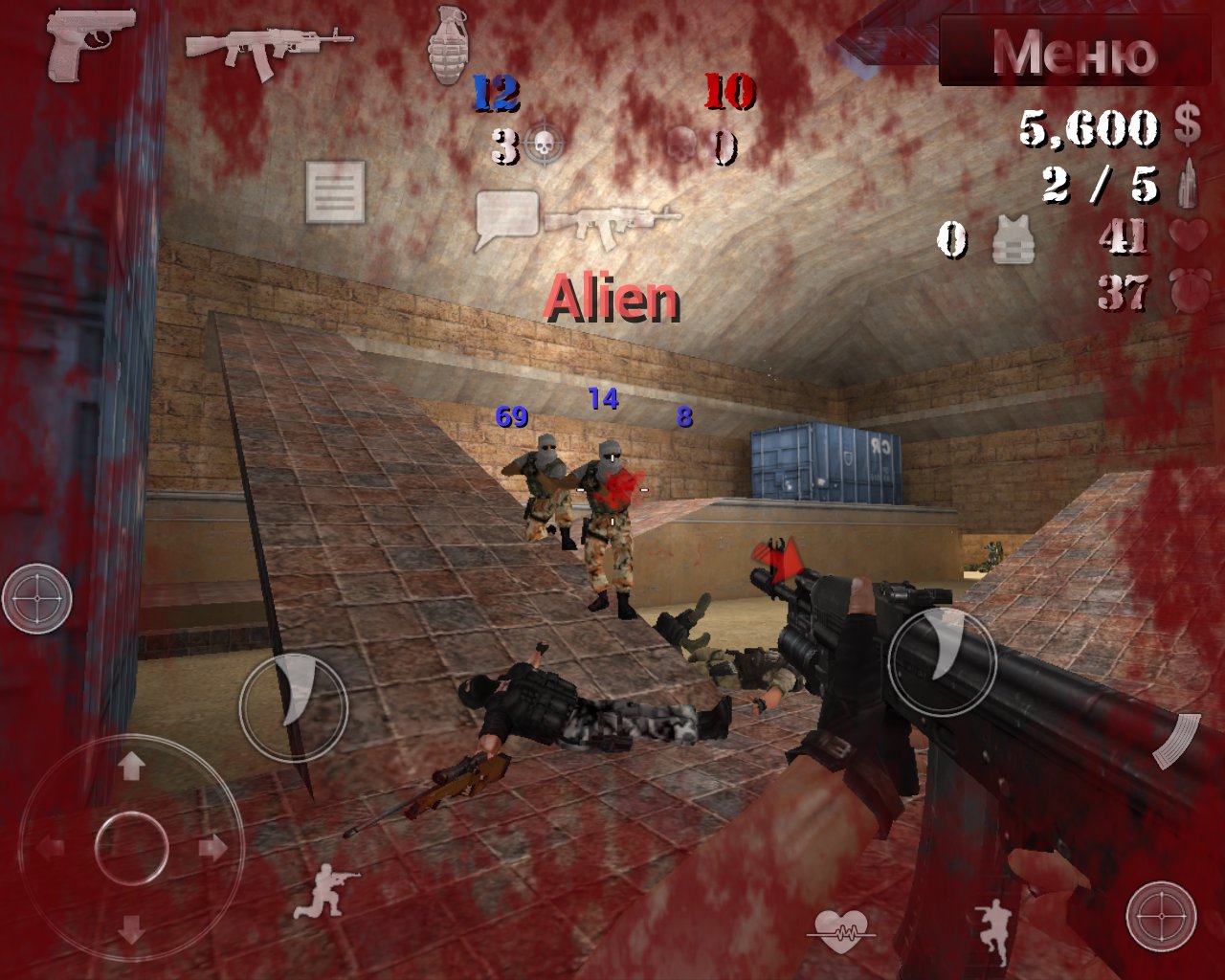
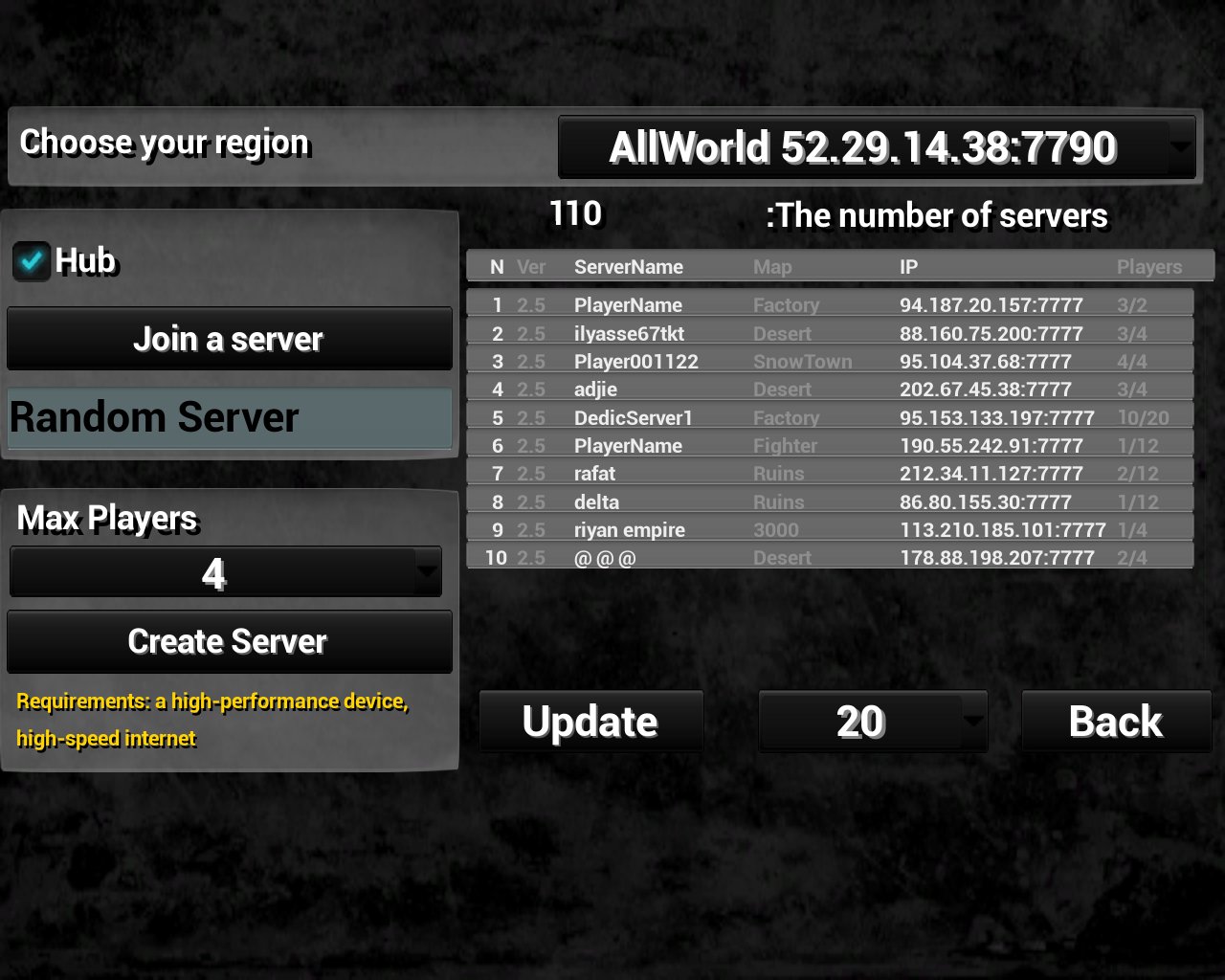
Multiplayer supports online lobbies and local rooms over a Wi‑Fi router. Players jump into short rounds that start fast, so it is easy to fit a few games into a break. Special Forces Group balances quick respawns in Resurrection with more careful play in Classic, while Zombie Mode changes the pace when a team turns undead.
The arsenal ranges from sidearms to sniper rifles, letting you pick a setup that fits each map. Eighteen locations reward different tactics, from close quarters to long sightlines, so squads adapt between rounds. In Special Forces Group, swapping armor tiers and using the grenade at the right moment can tilt a duel without overcomplicated menus.
You can download the latest Special Forces Group APK from APKPure. On a typical mobile connection, the download finishes in a few minutes, though timing depends on network speed. During installation, Android may ask for basic permissions and, on some devices, to allow installs from your browser or file manager.
Once installed, launch the game and try a bot match to warm up before hosting a local room. Keep enough storage free and avoid interrupting the process for a smoother setup. After that, jump into Classic or Zombie mode and start learning your favorite maps and loadouts.


One-click to install XAPK/APK files on Android!

Thanks for your rating and feedback!
You have already rated.