Package Name:com.rookiedev.hexapod
Show More

Control the 3D printed hexapod robot from rookidroid.com over Wi-Fi.
The official Android app for the 3D printed hexapod robot from rookidroid.com.
Build the six-legged robot yourself with the free Hexapod Evolution guide at rookidroid.com, flash the ESP32 firmware, then use this app to drive it, pose it and calibrate it over the robot's Wi-Fi.
DRIVE
Walk and steer your hexapod with two on-screen pads. Walk in any direction, turn on the spot, rotate and twist the body, and climb forward or backward. Set the gait speed with a slider, and relax the servos with one tap when you're done.
STUDIO
A 3D model of your robot on your phone. Pick a foot, a joint or the body and move it with the joystick to create poses. Put poses together into sequences, build your own gaits, and play them back. The studio works without the robot, and its files open in the Hexapod Link desktop app.
CALIBRATE
Open the robot's built-in setup page to trim each servo, so your hexapod stands level and walks straight.
HOW TO CONNECT
1. Power on the robot.
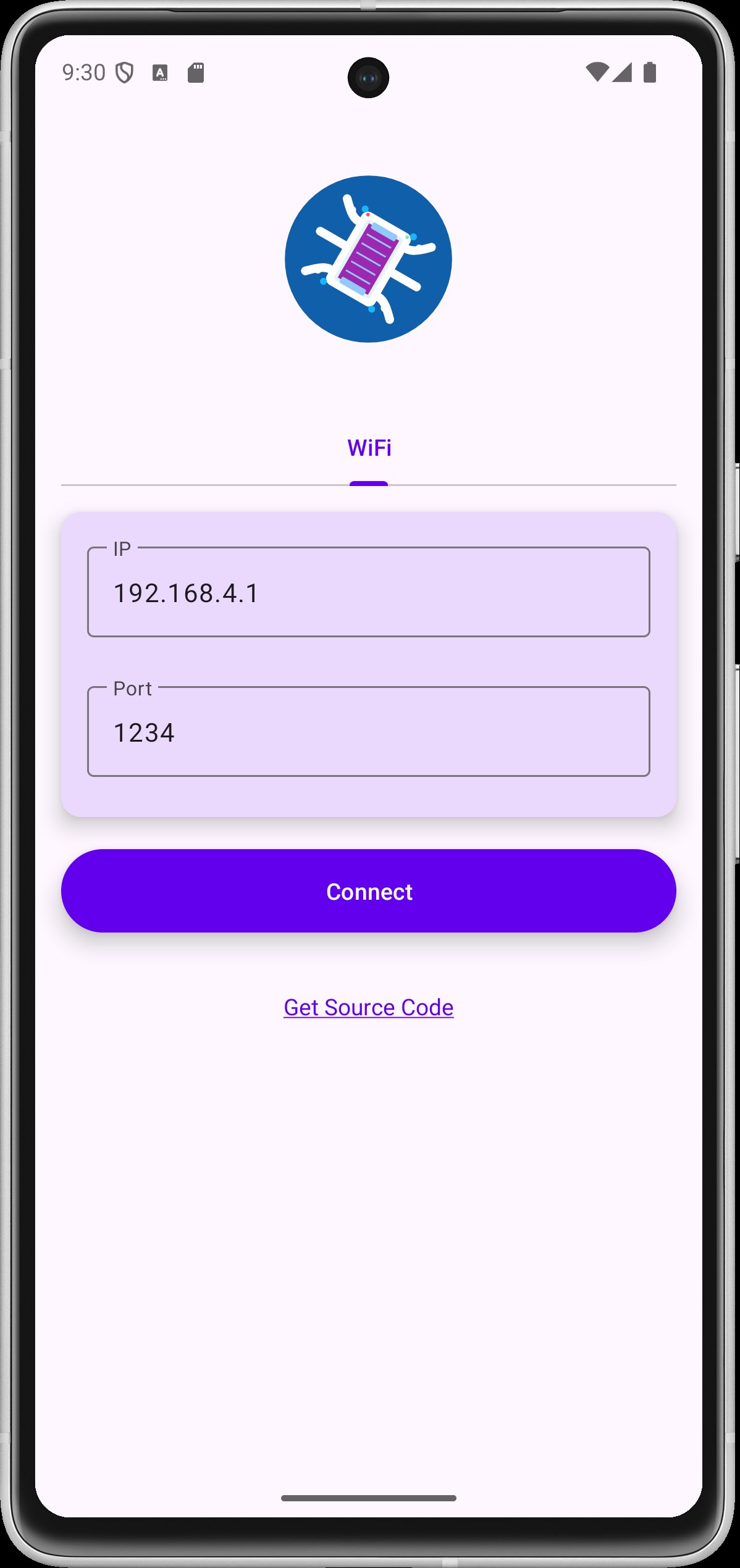
2. Join its Wi-Fi network on your phone (for example hexapod_nougat).
3. Open the app and pick Drive, Studio or Calibrate.
The app keeps talking to the robot over its Wi-Fi even when mobile data is on.
HEXAPOD PRO
Driving, calibrating and posing in the studio are free. An optional one-time purchase unlocks live streaming (the robot follows the studio as you pose and play), sequences longer than 5 keyframes, saving your own gaits, and saving and loading sequence files.
REQUIREMENTS
• A hexapod robot built from rookidroid.com, running the current ESP32 firmware
• Android 11 or newer
No accounts, no ads, and no personal data collected.


One-click to install XAPK/APK files on Android!

Thanks for your rating and feedback!
You have already rated.